





Dial My Calls - Reliable and Affordable Group Calls
Login Header
login header
Forget Your Password?
Login Footer
spacer
menu header
Home  |  How It Works  |  Features  |  Pricing  |  Case Studies  |  FAQs & Tutorials  |  Contact Us  |  Sign Up
menu footer
spacer
header
The DialMyCalls Blog The DialMyCalls Knowledge Base & Blog
Blog posts and insights from the DialMyCalls team to help you better use our services.

DialMyCalls Blog > Tag: free

DialMyCalls How To: Free Voice Message Service
Posted By: Tim S. on August 03rd, 2011
Test out our mass notification system by signing up for our free voice message service. 

Are you new to the whole automated calling game and want to give it a go before you spend any money? DialMyCalls offers a free voice message service that allows you to give our product a test run. Plan a party this weekend with your friends and use our mass notification system to send out the invites. What exactly do you get when you sign up for our free service plan? 

Our free voice message service allows you to harness the power of our mass notification system with a few limitations. First off, you will only be allowed to record and send 1 voice message per week to a maximum of 25 phone numbers. The customized message that you send has to be 30 seconds or less when using our free phone dialer. Lastly, we will add our branding message “Powered by DialMyCalls” to the end of your customized voicemail. 

The goal of our free voice message service is to allow you to experience what DialMyCalls has to offer if you are not familiar with mass notification systems. What are you waiting for? Sign up for a free account today!
Posted In Category: General Post


DialMyCalls How To: Using Our Phone-In System to Send Voice Messages
Posted By: Tim S. on July 27th, 2011

Let's take a look at one of the services we offer to our premium customers here at DialMyCalls, the phone-in system.

While creating and sending mass notifications from any web browser is extremely convenient, DialMyCalls realizes that not everyone has access to the internet 24/7. Yesterday we covered the three main options in which you can record a custom voice message on our website and briefly touched on the fourth option which is the phone-in system. Let's take some time and elaborate on how you can record your message if internet connectivity is not an option.

DialMyCalls' phone-in system allows premium users to access their account and record a custom voice message via any touch-tone phone. What is a premium user? It is someone who purchases either credits or a monthly plan; users of our “free” service do not qualify for the phone-in system. Once you become a premium user then you will receive a pin #. This pin number will allow you to call in to our phone-in system number (1-877-419-4445) which is where you can record your custom voice message. From that point, you can call in and access your contact numbers and send out your mass notification; no computer or internet required.

Once you have created an account with DialMyCalls and logged in, you may access our phone-in system. Below are two screenshots, one shows a “free” user on the Phone-In System page and the other shows a “premium” user:

Free DialMyCalls User: (Phone-In System Unavailable)

dmc phone in system free

Premium DialMyCalls User (Phone-In System Available)

dmc phone in system premium

Posted In Category: Mass Notification System


DialMyCalls How To: Create, Record, Send Custom Voice Messages
Posted By: Tim S. on July 26th, 2011

Today we will teach you how to create customized voice messages using our mass notification system.

DialMyCalls offers four different ways to send all of your friends, family or business associates voice messages in a quickly and effective manner. There is no need to undergo the hassle of buying expensive hardware to send out automated calls; we offer our service via any web browser or touch-tone phone. How can you create a customized message using DialMyCalls?

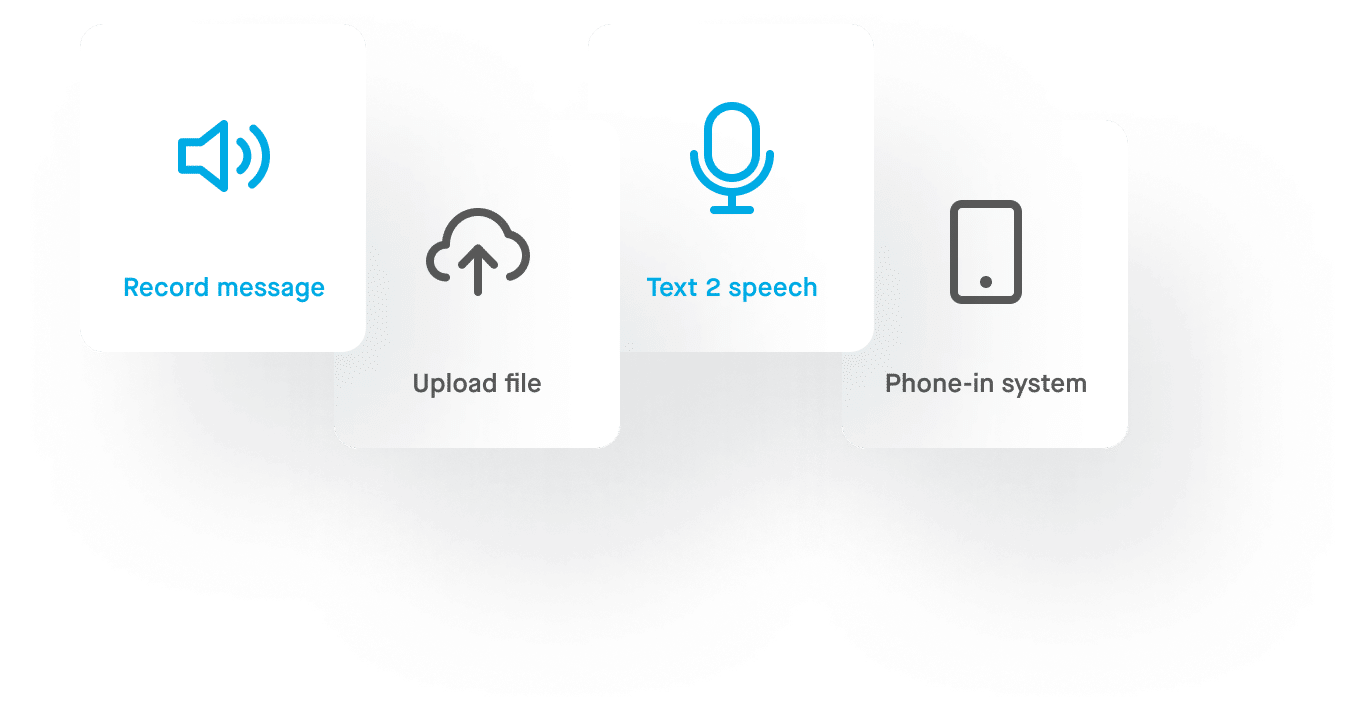
For those of you with access to a computer, we offer three highly effective ways to setup your personalized recording. Below is a brief description of the methods to recording a custom voice message that DialMyCalls offers its customers:

Touch-Tone Phone – This method is the most popular and allows customers to enter their phone number via the create a new recording tab in the user control panel. Once the number is entered, customers will receive a phone call from our automated calling service, allowing them to record their personalized voice recording.

dmc touch tone phone

Upload .MP3 or .WAV File – Are you quite tech savvy? Already have a pre-recorded .mp3 file on your computer that you want to use for your voice message? This option allows you to upload your audio file directly into the DialMyCalls control panel and in turn use it as your personalized notification.

dmc upload mp3

Text-To-Speech – Users are able to choose between a male or female voice and then type their custom message into the available box. Once completed, software will convert the typed message into a voice recording, instantly.

dmc text to speech

Of course, an internet connection is not necessary as we also offer toll-free number in which you can call and record a custom voice message. That makes four different ways that DialMyCalls offers you when it comes to creating a customized voice recording.

dmc phone in system

Start using the power of DialMyCalls and its mass notification system today; absolutely free!

Posted In Category: General Post


Recent Additions
DialMyCalls How To: Record The Perfect Voice Message
Tornado Season 2012 Disaster Recovery and Emergency Alerts
University of South Alabama Robbery Locks School Down
Mother's Day Phone Call Spreads Love And Appreciation
Virginia Tech Massacre Five Year Anniversary

Browse Articles Based On Topic
- General Post
- Emergency Notification
- Churches and Religious
- Schools
- Political
- Business Continuity
- Event Reminders
- Sports
- Customer Reminders
- Mass Notification System

Tag Cloud

footer
spacer
menu header
Get Your Free Account Now
Try Us For Free!
Takes Only Seconds To Setup!
Quick Links
- About Us
- Features
- How It Works
- Pricing
- Case Studies
- FAQs & Tutorials
- API Documentation
Other Stuff
- DialMyCalls Mobile App 
- Privacy Policy 
- Terms of Service
- Do Not Call System
- Email Opt Out
- Affiliate Program
Contact Us
Our support & sales team is always happy to assist anyone who has questions or concerns. Please use our online support or call us at 1-800-928-2086.


From Our Roof:
The Jupiter Lighthouse Cam
© 2008 - 2011 OnTimeTelecom, Inc. Parent Company of DialMyCalls.com
menu footer
Powered by Olark