How To Record Messages To Broadcast
Creating a great message is key when utilizing DialMyCalls' mass notification system. You want to engage your recipients to ensure that they listen to your entire recording when you send out a broadcast. Below you will find the various methods that are available to create a personalized greeting:
Record Message Over Phone (Video)
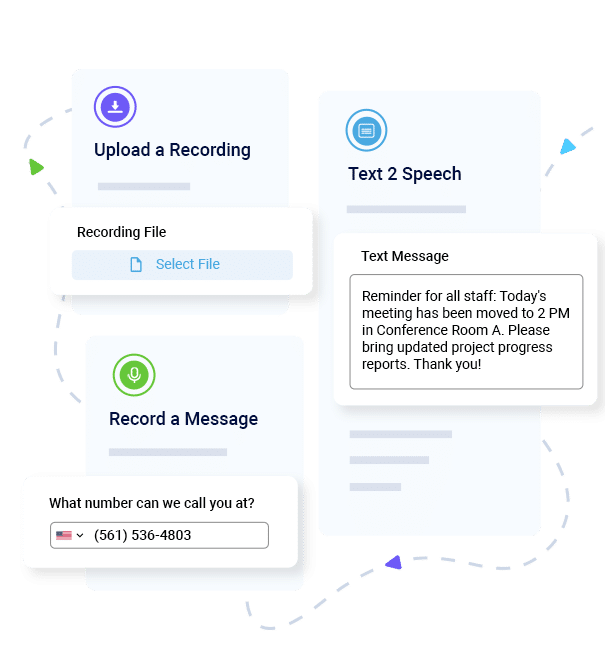
- Record Using A Phone: Enter a phone number and our system will immediately call you with instructions on how to record your message right over the phone. Once you have completed the steps your message will be automatically added to your account – you are now ready to broadcast that recording out to all of your contacts.
- Upload An Audio File: Do you have your own recording software? Are you hiring a professional voice talent to create your greeting? Our upload tool allows you to add your own sound file to your account – .MP3 and .WAV are the only supported file formats.
- Text-To-Speech: If you do not have time to create a recording using your own voice or recording software, our text-to-speech tool will convert typed text into an audio file – audio files are automatically generated and are ready to use immediately after creation.
- Phone-In System: Customers of DialMyCalls can utilize the Phone-In System to create a recording without having to log into your account online. Simply call toll-free number, enter your personal account number and pin number and you will be able to record a message – messages are then added to your account which can be accessed online. This is a great method if you will be sending out a broadcast but would like someone else in a different location to record the message.
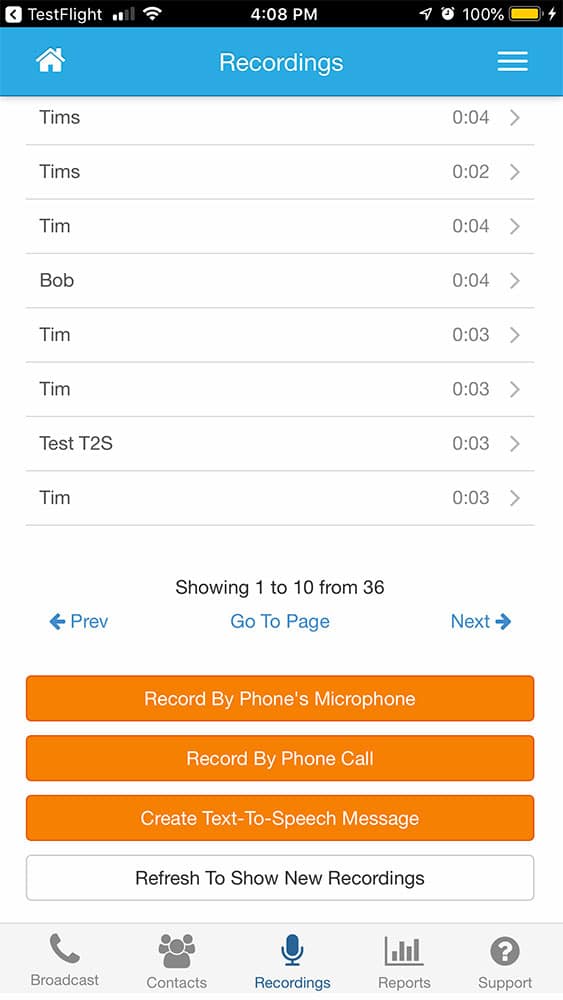
- Mobile App: iOS and Android users can install the free mobile app and then record messages right from their mobile device. Our app utilizes the microphone that is integrated into your mobile phone to record the message.
If you have any additional questions regarding the creation of personalized recordings on DialMyCalls, please contact us.