

DialMyCalls How To: Send Free Voice Messages With iPhone App

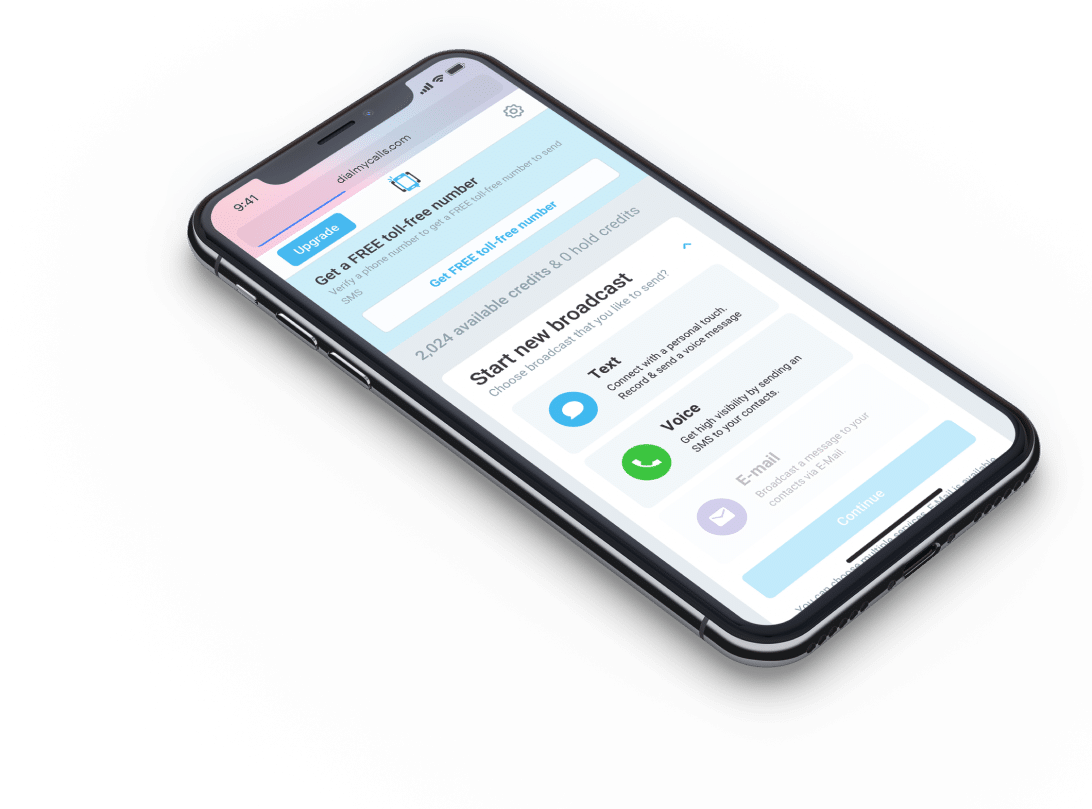
DialMyCalls.com recently released our brand new mobile app for the iPhone and iOS - let's take a look at how to set up a call blast from your mobile phone!

Users of our voice broadcasting service can now send out thousands of voice messages to all of their contacts via our brand new iPhone/iOS mobile app - it's absolutely free to download. This how to guide will offer a quick rundown on how to record, add contacts and send out a voice message via your mobile phone.

The first thing you are going to want to do is head on over to the iTunes store and search for the DialMyCalls app. Once downloaded you are going to need to sign up for a DialMyCalls account - this can be done via any web browser or through the iPhone app.

Now that you have downloaded the DialMyCalls iPhone app and created an account, it's time to login, add contacts, create a recording and set up a call blast. Follow these simple steps to send out your first free voice message using our new mobile app:

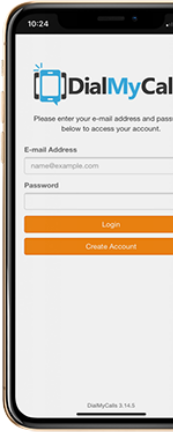
Step 1 - Login to your DialMyCalls account via your iPhone, iPad (2) or iPod Touch.

dmc iphone login

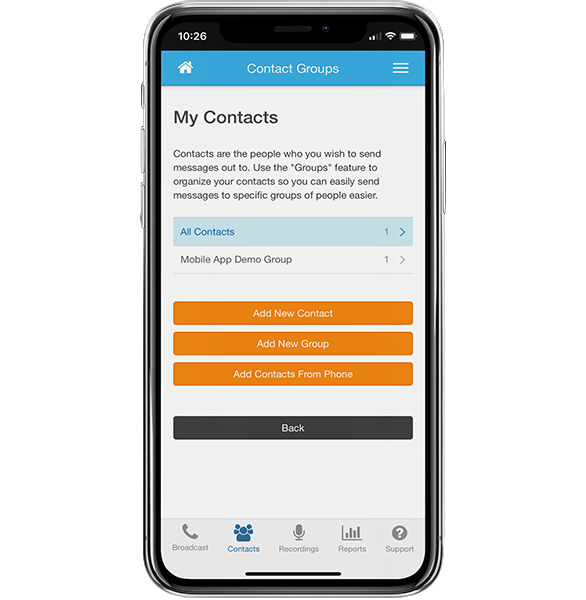
Step 2 - Locate the "Contacts" tab at the bottom of the app. Once you are there, you can add phone numbers in manually or select them from your pre-existing iPhone address book - these will be the people that receive your voice message.

dmc iphone contacts

Step 3 - It's now time to record your personalized voice message that will be sent out to every contact that you just added to your list. Navigate to the "Recordings" tab and you will be prompted to record your voice message. The DialMyCalls iPhone app will allow you to preview and re-record the message if you are not satisfied with it the first time around.

dmc iphone recordings

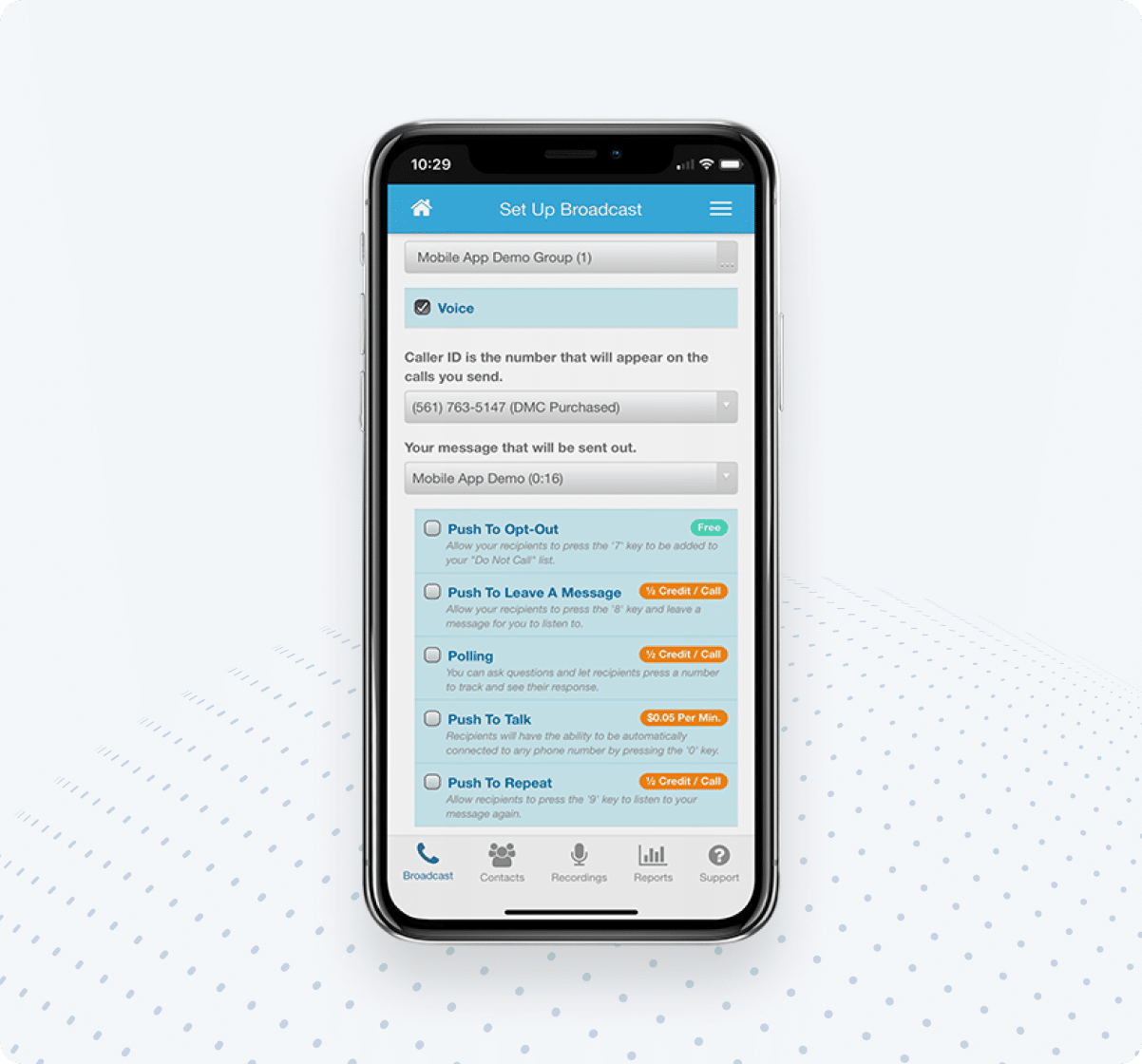
Step 4 - The final step of sending out a voice message to all of your contacts at once on your iPhone is to set up your call blast. Once you are on the "Setup Blast" menu, you will be prompted to select your recording and the contact list that will be receiving that recording. Click the "Send Blast Now" button and your voice message will instantly be sent to everyone on your contact list.

dmc iphone setup blast

Download our free iPhone app and start sending out thousands of voice messages instantly from your mobile phone!


Online Voice Broadcasting Gets New Android Mobile App

android apps

DialMyCalls is proud to announce that our mass notification system has officially gone mobile.

New and old customers of our voice broadcasting service can now take advantage of our new mobile application. DialMyCalls is now available in the Android Market for all of you Android users out there. What exactly can you expect when you download our free mobile application?

All of the features that are available through our online voice broadcasting system are also available on the new free Android application. You can sign up for DialMyCalls, import your contact lists, set up a new recording and then send out your voice message to thousands of people, instantly. Along with the voice messaging, you are also able to send out text messages to all of your contacts. Let's not forget to mention that all of the call stats (voice and text) are also available through the brand new mobile application.

Start taking advantage of DialMyCalls and their voice broadcasting system on your mobile device. Download the new Android app for free and experience the power of our mass notification system on your mobile phone today!

Sign up now and try our services for free!

Use the promo code DMCBLOG and get 25 free extra credits

Create Free Account

Powered by Olark