
Send Party Reminder Messages for Birthdays, Weddings and More
One of the best ways to remind attendees of an upcoming event is to send a reminder SMS text message or a reminder phone call.
In event planning, it’s not just about ticket sales. Often the real success of an event is in how many people show up. And whether it’s a fourth grade class play, a community clean-up day, or a staff meeting, attendees can always use a reminder.
Save-the-Date Text Messages
SMS text messages can be great reminders because they’re delivered straight to the recipient’s phone. Often, this means their pocket or the palm of their hand. The message can be sent immediately, and it’s easy to track whether or not it’s been delivered successfully. Additionally, the recipient has the opportunity to engage in dialogue or request more information.
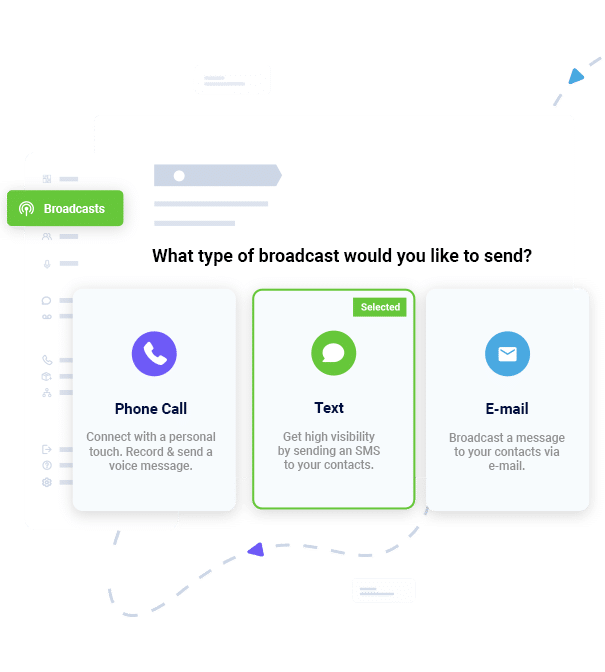
Reminder text messages can link to the event’s website or social media page, an attendee’s online ticket, or even a map of available parking. The recipient doesn’t have to copy down information, but can refer to the text message later on as long as they don’t delete it.
Invitation Reminder Automated Calls
Phone calls can also serve as good reminders of an upcoming event. They also have a high likelihood of being answered or heard as a message quickly, as cell phones are so prevalent and usually with their owners.
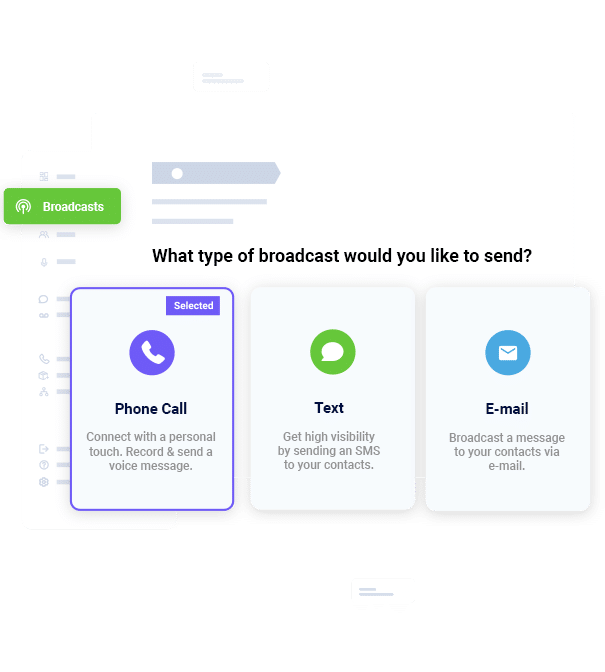
Additionally, automated phone calls allow more time or words for information to be conveyed. They also allow for the recipient to talk to a representative or be directed to messages with more information.
How to Write Effective Invitation Reminders
Event marketing messages can be beneficial to those that receive them, but only if they truly include important information. Just telling attendees to “remember the concert on Wednesday” may not answer all of the questions they have about the event itself. Consider including any of the following information that applies to your event to keep your attendees informed:
- What the event is. This may seem like a no-brainer, but your attendees have busy lives and may be attending more than one concert, meeting, or volunteer opportunity. Be specific in telling them about an event or reminding them what they signed up for. Some examples include, “the all-staff meeting where we’ll discuss goals for the next quarter,” “the senior award ceremony,” “the Valentine’s Day Jazz Banquet,” and “the We Care fundraising gala.”
- When the event is. To really make sure your attendees are there when you need them, you should include the date, day of the week, and time. It may also be beneficial to explain what time the venue opens, how long you expect the event to last, and how long they should allow for parking or purchasing concessions beforehand.
- Where the event is. Depending on the format of the reminder, this could be a map to the location or an address. If you’re certain your audience is familiar with the location, you can simply give the name of the venue. You should also include the location of parking areas, if they are separate from the event itself.
Send Automated Wedding Invitations via Phone Call
The bride-to-be and groom may record a personalized R.S.V.P. voice message which will be sent out to everyone on the wedding planner’s phone list, instantly. The best part about our automated wedding invitations is the power to receive replies back from all of the recipients. Set up your recording so that it tells the potential wedding guests to press 1 if they are attending, press 2 if they cannot make it and press 3 if they will be attending with a +1. The wedding planner can then login to his/her DialMyCalls account and view the responses immediately; no more waiting on the snail mail to return or get lost!
Send Automated Wedding Invitation Text Messages
Text messaging is still growing in popularity but has become the preferred method of contact for most people. DialMyCalls offers wedding planners the ability to send out invitations via SMS text message. Our 2-way texting platform also allows the wedding planner to receive replies to their invitation texts – keep track of all the guests that have texted back, saying they will be attending the wedding.