event reminder software
Event Reminder Text Messages
DialMyCalls offers automated event reminders via call or text broadcast - invite hundreds of people instantly!
No credit card required
Below are just a few of the organizations that are using us to keep everyone informed.




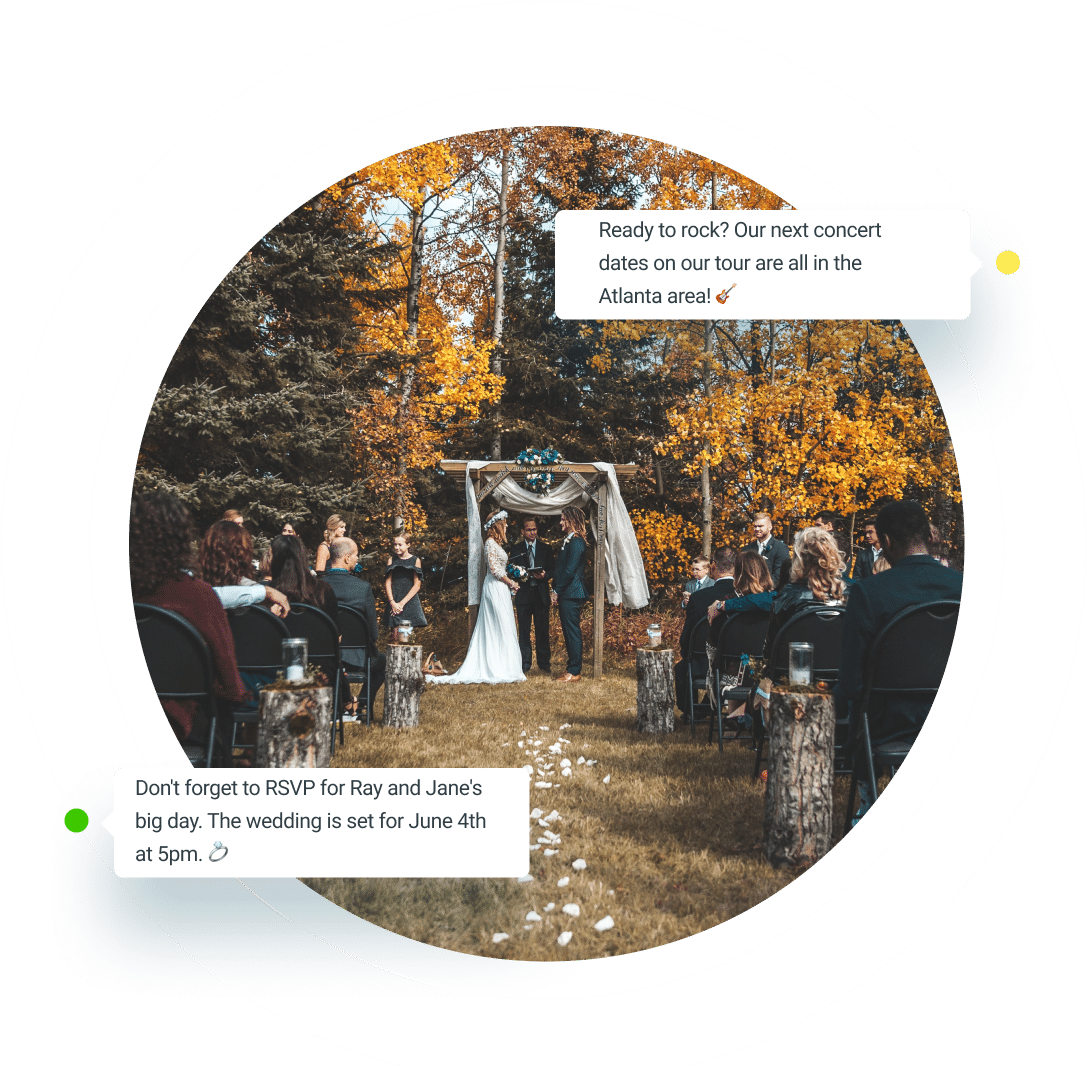
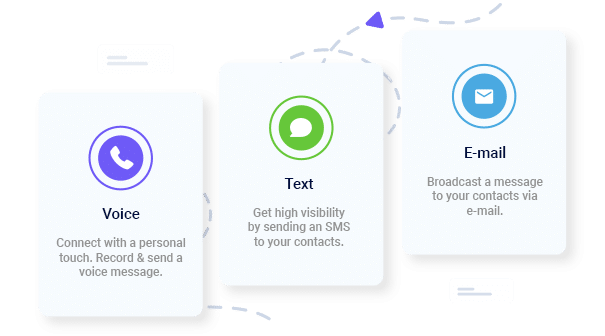
Let’s face it, people are really forgetful. Nothing is more frustrating than having an event and not getting the turn-out you expect. Most of the time this isn’t due to people not wanting to come, it’s just simply they forgot. With DialMyCalls you can send out a quick event reminder sms message or phone call the day before the event.
This is especially important for fundraisers and events that need people to show up. For only a few cents per call or text, you can send a fun and friendly reminder to everyone that has opted in to receive your alerts in just a few minutes.
When sending out your party or event reminder message, you can make it fun and personalized! Many of our customers record funny and engaging messages that really helps their call stand out.
Not only for events where you need a large turnout, but it’s also great to let large groups of people know about special events in your life. We’ve had customers let their friends and family know when their baby is born, marriage proposal announcements and other big exciting events.
With our polling feature you can make instant RSVP calls! You can include an attendance message where the call recipient can push a key to reply whether or not they will attend. This is great for large events where you need to plan for food, shelter or any other number of things.
4.72 total rating based on 1200+ reviews across all platforms.
See all reviews


We send out a DialMyCalls twice to three times a month and it has increased our attendance and has helped us stop hearing, “We didn’t know about that event!”.

Gets a message or notification out quickly and easily. Gives us a chance for that last event promotion we need.

I have also used a broadcast to remind members of important events, and we have had a much stronger turnout.