Automated Voice Message & Texts
Notify Everyone Via Voice or Text Message In Seconds!
See why DialMyCalls is the easiest to use automated voice message and text notification system you've ever seen.
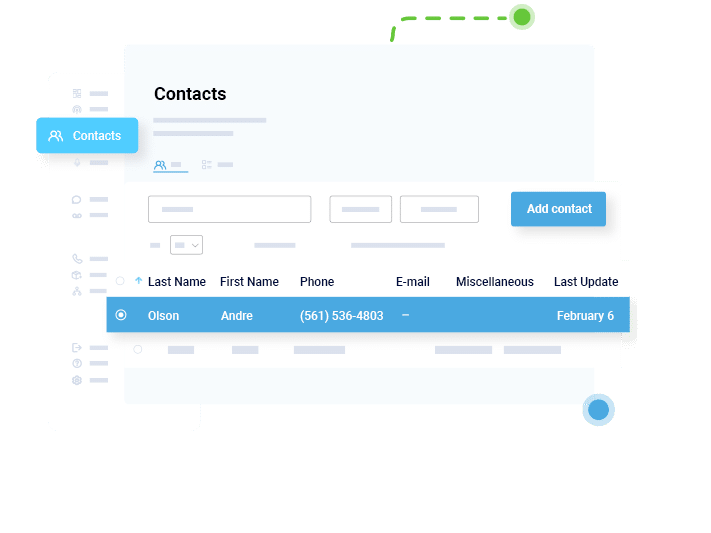
From your "My Contacts" tab, you can easily add, remove, and modify your contacts. Our contact grouping lets you easily manage and organize multiple groups of people from within your organization.
Organize your contacts into different contact groups to give you more flexibility. This lets you send automated voice messages or texts to individuals, specific groups, or to all of your contacts at one time.
Add new contacts to your lists quickly and easily! You can add them individually or copy/paste a group of phone numbers. Importing contacts from an Excel or CSV File is also available.
Modify, add or delete contact information with the click on a button. Our contact management system lets you login and update your contacts any time you need to.
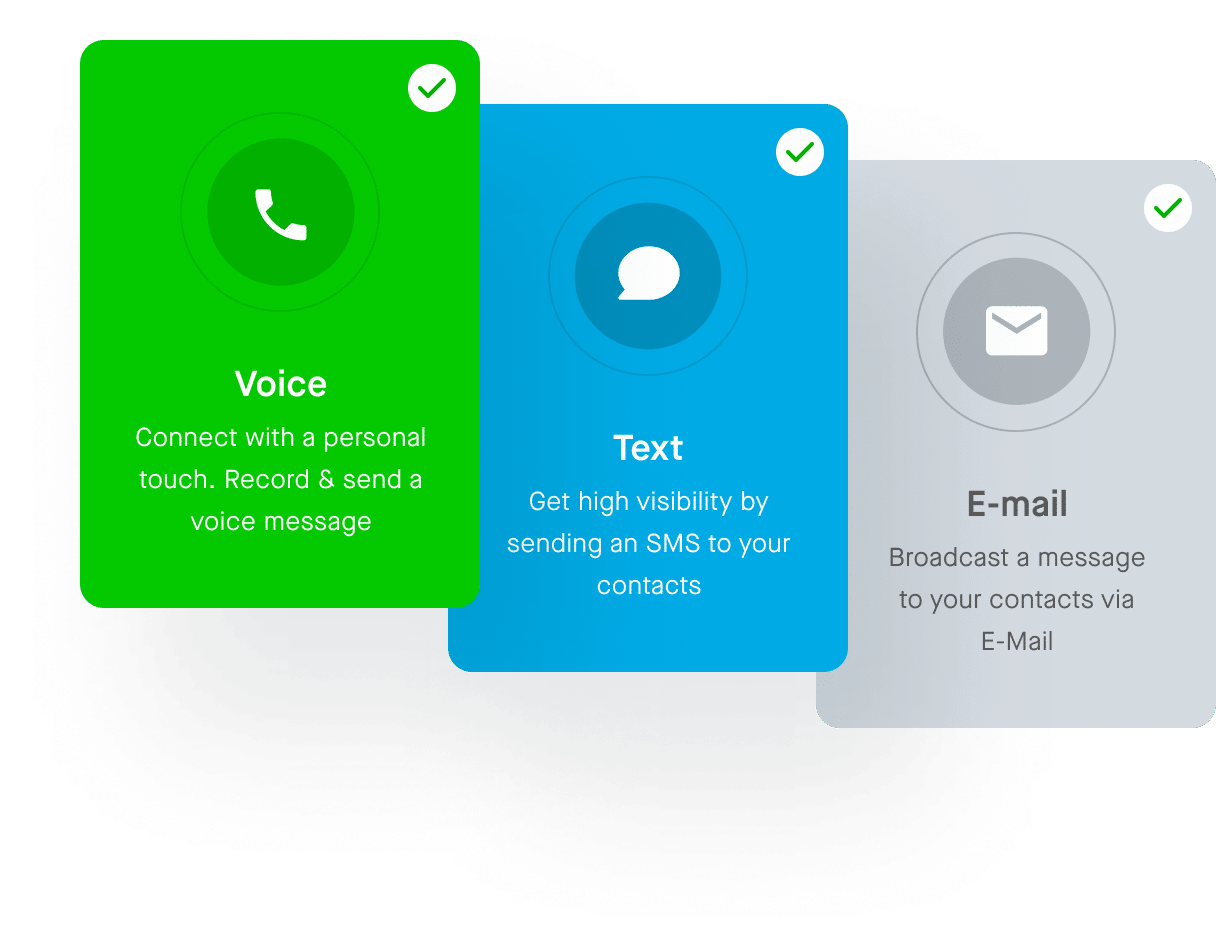
When setting up a broadcast you will have three different options to choose from: voice broadcast, text broadcast, or email broadcast. *Note: Email broadcasts can only be added to a voice or text message broadcast and cannot be sent out as a standalone message.
Utilize both SMS text messaging and voice broadcasting to reach your audience, customers or community in a way that makes sense to you. You can send an automated voice message, a text message or an email — or all three at the same time!
Register a keyword to start building a customer opt-in list. Send mass text messages to an entire list of phone numbers at once — or send reminder emails to just one. Automate broadcasts or take advantage of our two-way messaging system to keep engagement on the same platform.
If you can't get to a computer to send out a broadcast then we have a few additional options to utilize DialMyCalls. Use our free mobile app or our Phone-In System to call in and send out a voice broadcast right over your phone.
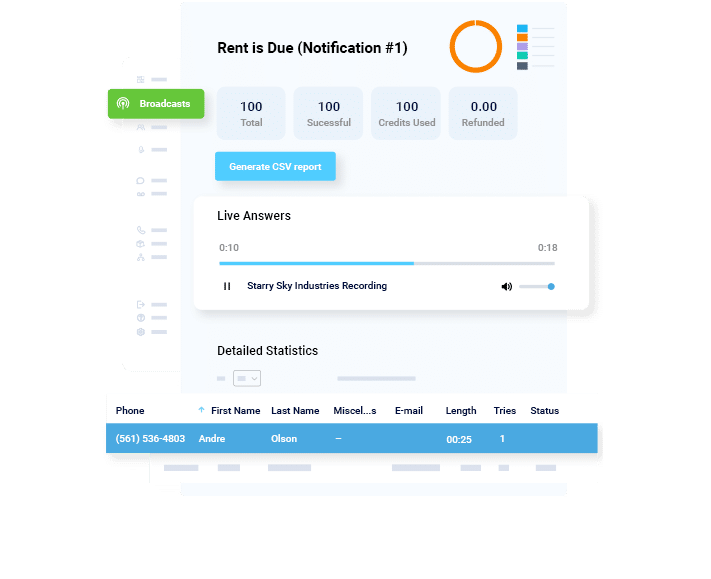
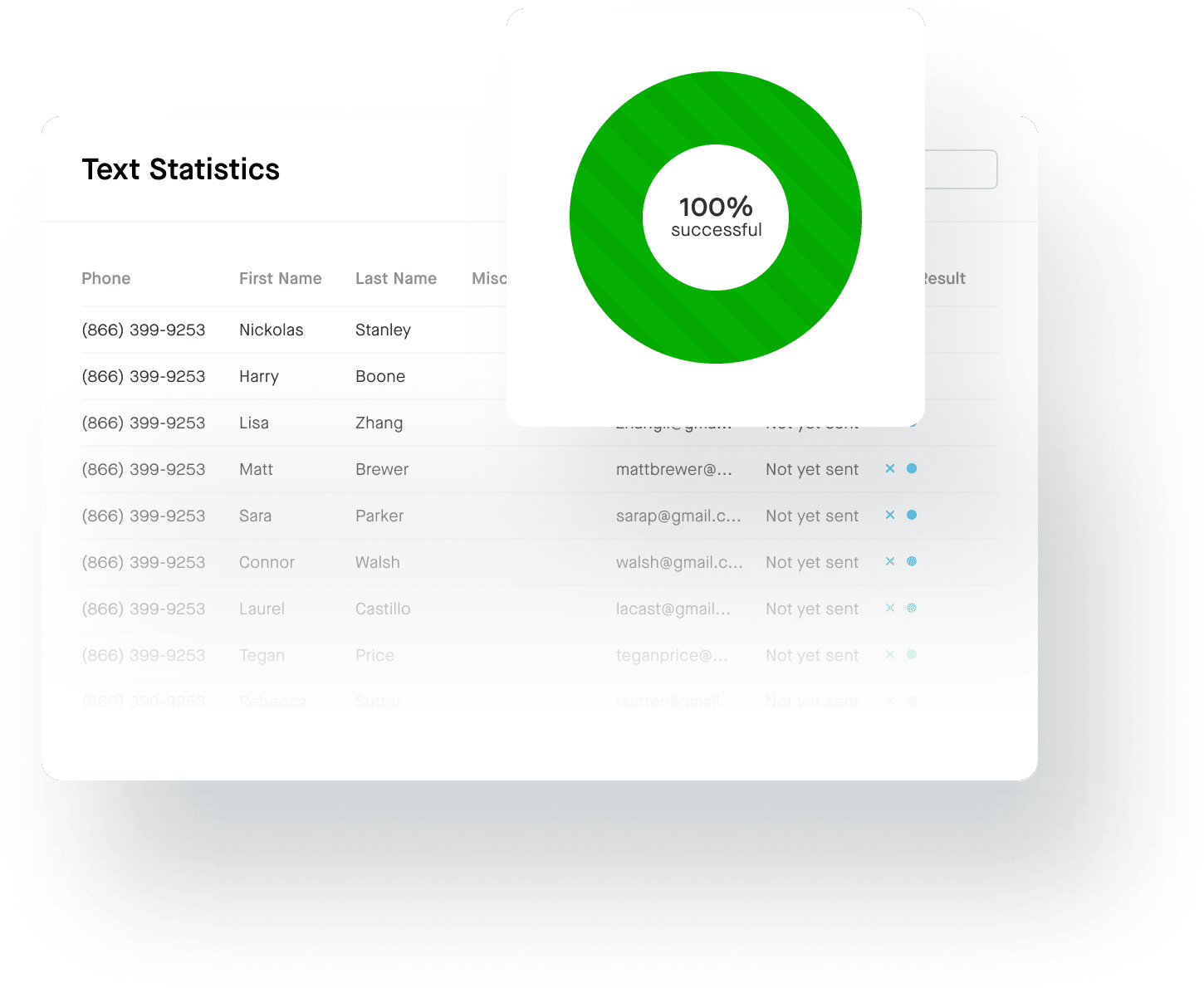
After your SMS or call broadcast has been sent you'll get a complete report of what happened on every individual automated voice message or text message. You'll be able to see which calls were answered, which went to voicemail and if there were any invalid or bad numbers in your list. SMS broadcast reports will show if text messages were received and if there were any bad or landline numbers. You can also download these reports in Excel format to save and use by your organization at a later date.
Our call report page gives you detailed information on all of your calls, including the result of every individual call. SMS reports will show the status of your text messages sent.
Pie charts give you a great visual breakdown about live answers, voicemails and other call results. SMS broadcast reports will show your results in a similar format.
Every report can be downloaded to your computer in Excel / CSV database format. This makes it easy for your organization to keep this data stored for later use or record keeping.
Create your account now and send 25 free calls or text messages. No Credit Card Required!
Create your account now and send 25 free calls or text messages. No Credit Card Required!