



Frequently Asked Questions
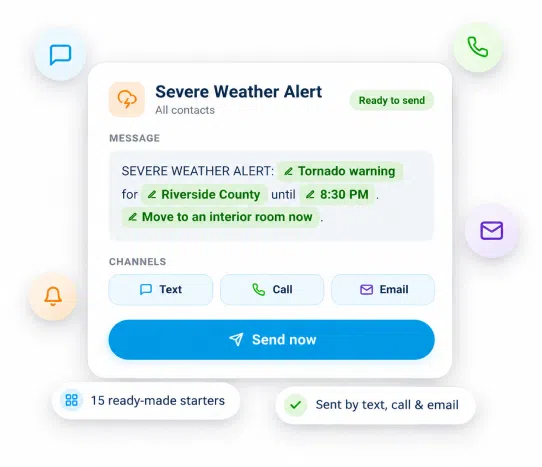
A scenario is a pre-written broadcast template that you complete with a few details and send by text, call or email.
A saved message is wording you reuse. A scenario saves the whole send: the message for each channel, the recipients, and the fill-in-the-blank details. You fill in the blanks and send.
Text, phone call and email, in any mix. Calls can use text-to-speech or a recording. Sending email from your own domain needs Advanced Emailing.
Yes. Anyone on a credit or monthly plan can build and send scenarios. Pro adds approvals, permission groups, API access and 180 days of send history.
Yes. When you send, you fill in the details and can change the recipients. To change the wording itself, open the scenario and choose Edit.
Yes, on every plan. Start from scratch or from any of the 15 ready-made scenarios, then add your own dynamic fields.


