How to Forward Nextiva Calls to an AI Receptionist
If your business relies on Nextiva for your business phone service, you’re probably looking for a way to reduce your chances of missing calls from customers, even when your agents are out. AI Receptionist automatically captures calls or provides backup coverage so you never miss a lead or leave a valuable customer hanging.
This guide lays out real, step-by-step instructions on how to integrate Nextiva with AI Receptionist.
What AI Receptionist Does
AI Receptionist offers you a tracking number that, when called, logs call details, delivers it to an AI agent, and gives you data like caller ID, timestamp, and duration. When you forward Nextiva calls to that number, those calls show up in AI Receptionist. This is a simple but powerful way to make sure no call falls through the cracks, even after business hours.
- Get Your AI Receptionist Tracking Number
- Decide Your Forwarding Strategy
- How to Forward Calls from Nextiva
- How to Forward Calls from Nextiva
- Test and Validate it
- Troubleshooting Tips
- Support Info
1. Get Your AI Receptionist Tracking Number
First, log in to AI Receptionist at dialmycalls.com and go to Numbers or Tracking Numbers in your dashboard. Either copy your existing number or generate a new one to use for your Nextiva account.
2. Decide Your Forwarding Strategy
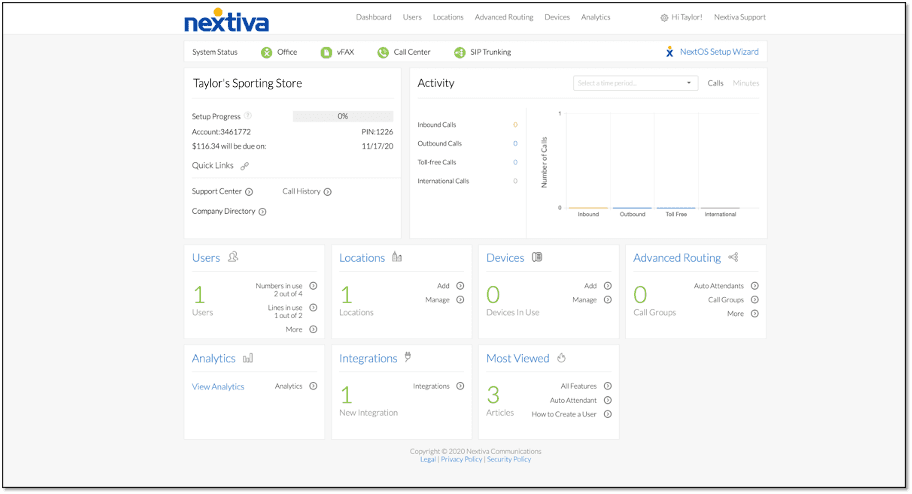
No two businesses work exactly the same way, so consider these three forwarding strategies depending on your workflow:
● Forward All Calls: This is perfect if you want AI Receptionist to capture everything, especially when you’re out for the day or using AI Receptionist as your main answering line.
● Conditional Forwarding: Only forward calls when busy, unanswered, or unreachable. It’s great if you want your team to pick up first, then have AI Receptionist bail you out.
● After-Hours Forwarding: Calls go to your team during business hours, then automatically shift to AI Receptionist after hours, a good forwarding strategy for weekends and holidays.
Nextiva supports all of these via its Call Forward Always and conditional options like Busy, No Answer, and Unreachable. Instead of forwarding them to your cell or another number, forward them to an always-on AI Receptionist agent to save manpower while guaranteeing call coverage.
3. How to Forward Calls from Nextiva
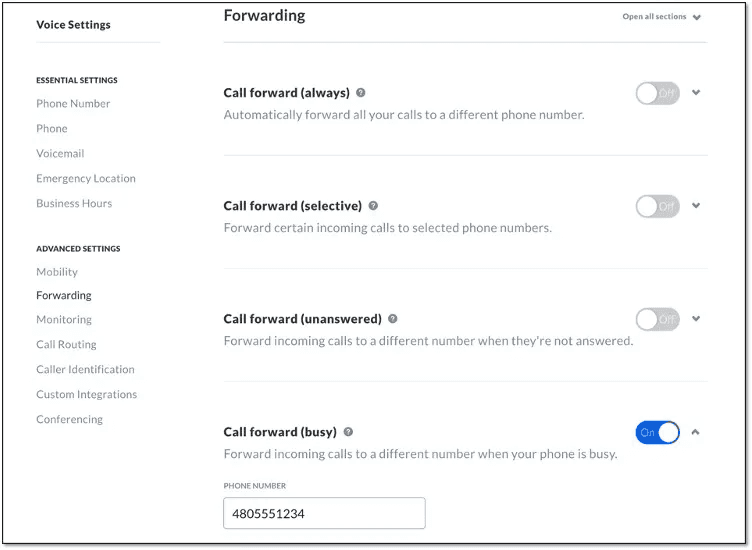
Here’s exactly how to set up call forwarding inside Nextiva:
To Forward All Incoming Calls:
- Sign in to NextOS or Nextiva Voice Portal.
- Go to Users (or Call Groups/Auto Attendants, depending on whose extension you’re configuring).
- Find the Forwarding section labeled “Call Forward Always.”
- Toggle it on and paste your AI Receptionist number.
- Hit Save.
You can also do this on a Nextiva desk phone by dialing *72, entering your AI Receptionist number, and pressing #, or deactivate with *73.
To Forward Only When Busy or No Answer:
- In the same Forwarding area, pick Call Forward When Busy or Call Forward When Unanswered.
- Enter your AI Receptionist number.
- Click Add Rule and set the conditions, like “forward after 3 rings,” or “only when busy.”
- In Forward To, paste your AI Receptionist number in each field.
- Turn on the rule and Save.
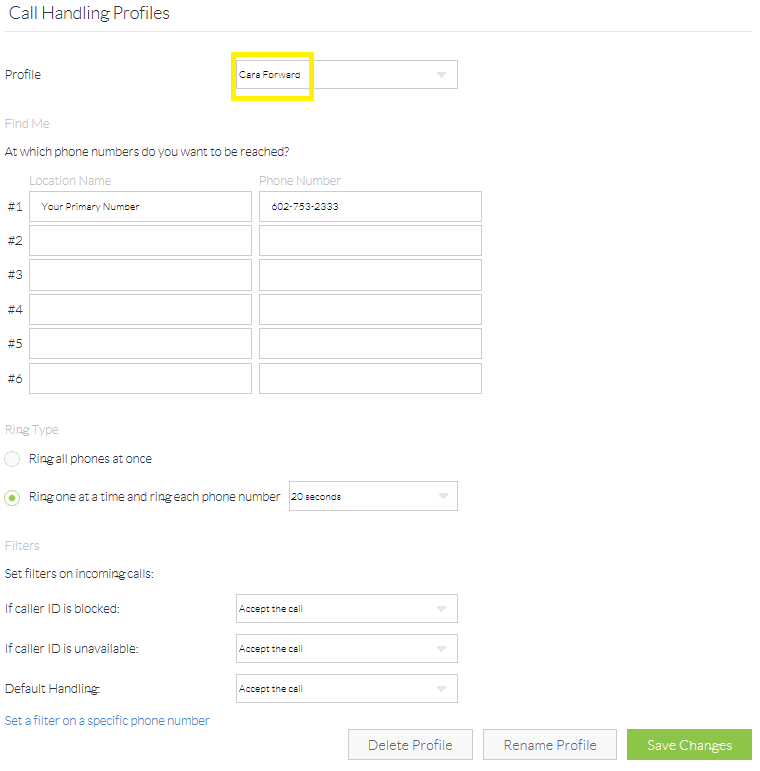
These options are a great safety net, but your team still gets a shot to answer first. This works well for businesses with a great team of agents and good weekday coverage, but high agent demand. Callers can get a human when possible, but always get an answer, even when no one is available.
To Handle After-Hours with AI Receptionist:
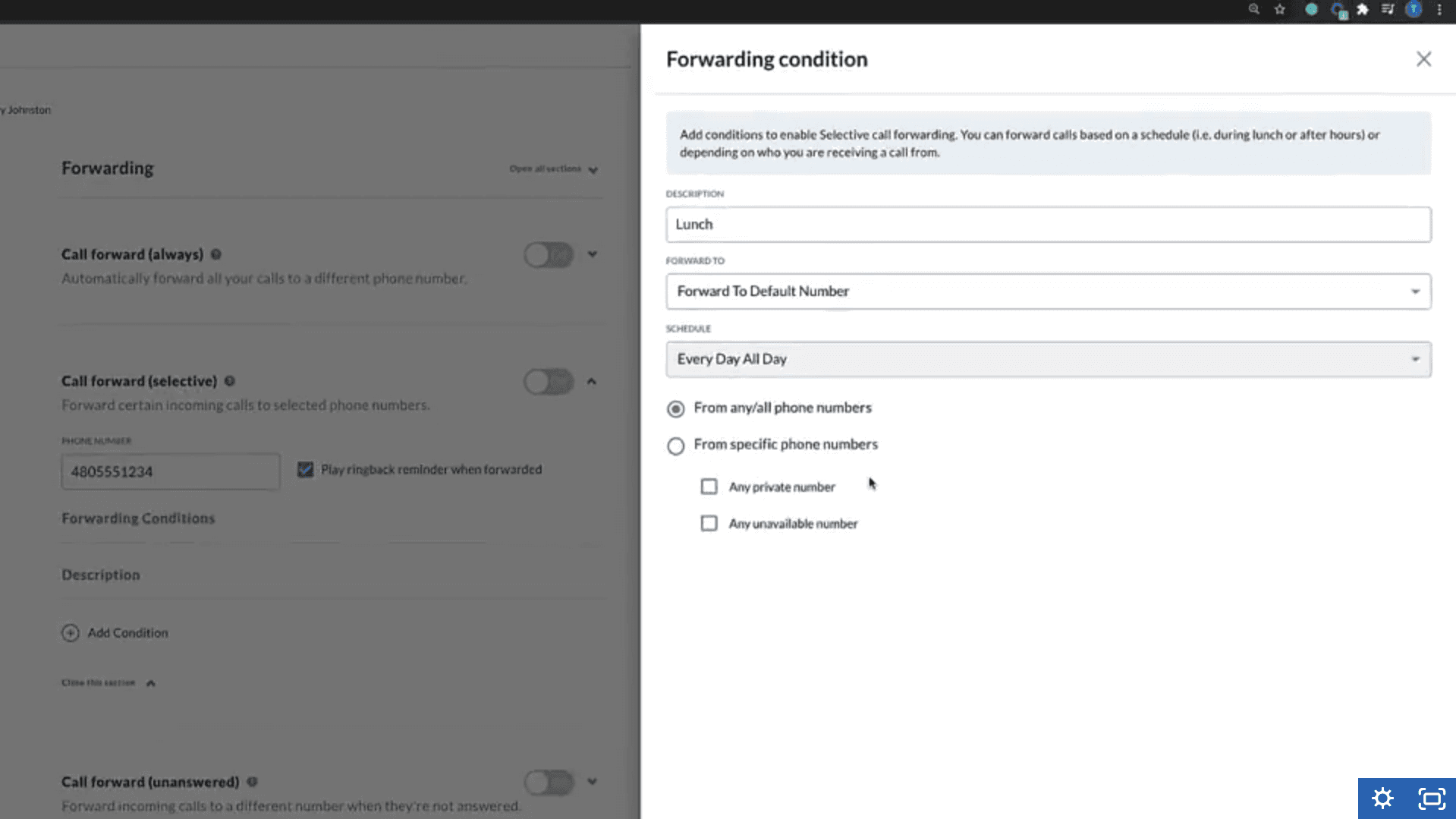
If your Nextiva plan includes Auto Attendants or Call Flow Builder, you can build a schedule-based rule:
- Go to Call Flow Builder or Auto Attendant, and open the routing for your main business line.
- Add a rule, such as “during business hours, route normally” and “outside of business hours, forward to AI Receptionist.”
- Save and activate the flow.
4. Test and Validate It
You’ve input numbers and saved settings. However, this is an important process, best not left to chance. Follow these steps to validate AI Receptionist is working like it should:
- Call during office hours and make sure calls ring your Nextiva device first, or forward elsewhere based on your conditional setup.
- Call after hours (or activate Always-forward mode) and make sure AI Receptionist answers.
Check your AI Receptionist dashboard to confirm calls are tracked correctly.
5. Troubleshooting Tips
If things don’t work exactly as you expected them to, you can:
- Double-check the AI Receptionist number you entered. Even one missing digit means calls won’t route.
- Make sure your Nextiva plan supports the forwarding feature you’re using.
- Make sure any conditional ring settings are long enough (like 15–20 seconds).
If you’re trying advanced routing via Call Flow Builder, preview or simulate the flow to verify it’s correct.
6. Support Info
If you still need more help, we’re here to get your call answering service to do exactly what you need it to.
For Nextiva questions:
- Call: (800) 285‑7995
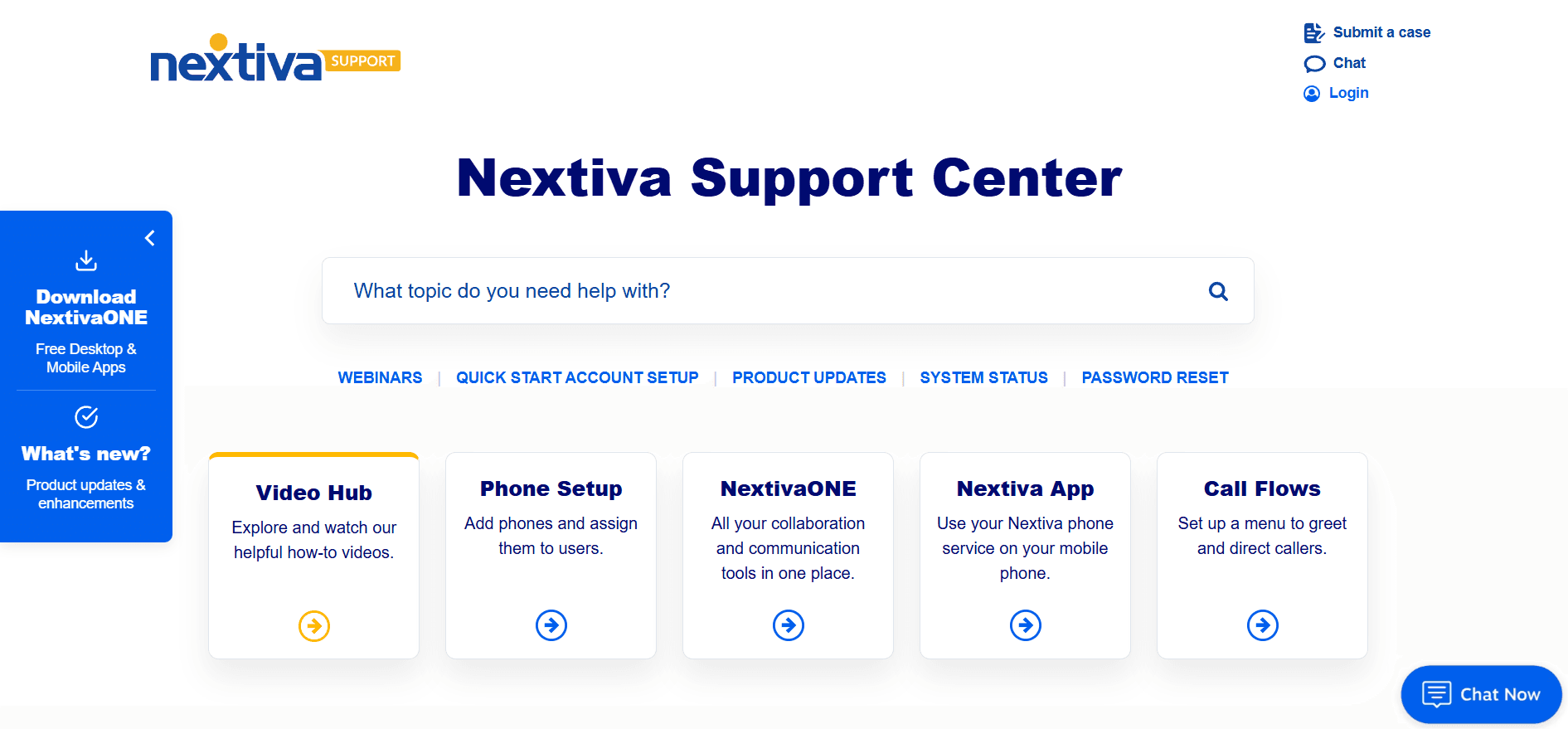
- Online Help: Nextiva Support Portal, including chat support
For AI Receptionist issues:
- Phone: 1-800-928-2086
- Via app chat at Contact Us page
Final Thoughts
Linking Nextiva and AI Receptionist gives you several indispensable benefits:
- Call capture, even when busy or off hours
- AI-driven answering and logging
- Simple, no-code setup that fits how you work
- Customizable call workflow for any scenario
Setting up Nextiva and AI Receptionist integration isn’t rocket science, but it requires accurate number entry, thoughtful scheduling, and careful menu navigation. Once it’s working, it just quietly takes care of every inbound call, even the ones you miss.
We’re here to help you get it up and running! Schedule a free trial with AI Receptionist to see how we can transform your call flow in one easy setup.

Nextiva