When a fire starts, everyone needs to move, and they need to know exactly what to do. That’s where fire emergency alerts come in. This guide shows you how these alerts help teams act faster, stay organized, coordinate with emergency responders, and keep people safe when every second counts.
A fire can develop in seconds, often much faster than people expect. In situations like this, people depend on clear information such as: Where is the fire? What should we do? Where do we move to? This communication window between occupants and help can make the biggest difference.
According to the National Fire Protection Association (NFPA), fire departments in the U.S. respond to an average of 3,000 workplace fires per year, many made worse by delayed communication. While alarms play an important role in creating awareness, lack of additional guidance can lead to panic and lengthen evacuation times.
This is why fire emergency alerts are critical. They give organizations a dependable way to notify teams instantly, share instructions, and keep people safe throughout the response. In this guide, you’ll learn how fire alerts work, why they matter and how organizations can use them
Why Fire Emergency Alerts Are Critical for Safety Response
Fire emergencies evolve quickly. Fire spreads fast and can double in size every 30 seconds, which may require teams to make decisions under pressure. When communication lags, the consequences tend to escalate quickly. This is why fire alerts are essential. They help everyone stay aligned by ensuring the same message reaches the right people instantly. Here are other gaps fire emergency alerts fill:
Alerts give you a real-time look at what’s happening, such as where the fire is, which exits are safe, and which areas to steer clear of.
It gives clear instructions that help people act quickly.
It ensures faster coordination among teams involved in the emergency.
Fire alert systems use a combination of automated triggers and multi-channel messaging to ensure critical updates about the fire situation reach people when the threat is detected. Although different organizations rely on different safety procedures and alarm infrastructure, most fire alert workflows follow a similar sequence.
Detection
If a smoke or heat sensor senses danger, it automatically triggers an alarm to warn everyone inside that there’s a fire.
Automation
Once the detection system sets off an alert, the notification platform takes over and automatically sends pre-written messages to the right people. Everything can be set up ahead of time so the system runs smoothly when it matters most.
Delivery
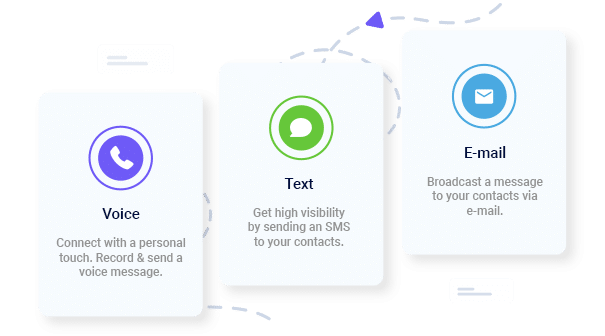
At this point, messages are sent through multiple channels like SMS, voice calls, emails, app push notifications, or even PA systems. That way, everyone stays in the loop instantly.
Response Tracking
Two-way texting allows recipients to confirm receipt, report their status, or request assistance. Once recipients receive the fire alerts, they can acknowledge receipt by responding that they are safe or by following the prompt.
Post-incident Communication
Once the danger has passed and the situation is now under control, teams can send an all-clear follow-up message including safety instructions and recovery updates.
Key Benefits of Using Fire Emergency Alerts
Fire emergency alerts provide safety responses by giving organizations what they need during fast-moving situations. These include:
Faster Response Time
When a fire breaks out, every second counts, as delays can affect evacuation and safety. Instead of relying on someone to run around passing information, fire emergency alerts get the job done. They deliver instructions through text, voice, emails, and app notifications, so that everyone receives the message at the same time.
Reduced Panic
Alarms get people’s attention, but alerts provide direction. When people understand where the hazard is and how to respond, confusion reduces. Fire alerts empower people to act by telling them the next thing to do. This can include directing staff to a specific exit or confirming which areas to avoid.
Better Coordination
Fire responses take a team effort and everyone needs the same info at the same time. Fire alerts help supervisors, safety officers, security, and emergency responders share updates in real time and ensure everyone has the info they need, right when they need it.
Accountability
During an evacuation, it’s not enough to just move people out of harm’s way, you need to know who’s safe. Two-way fire alerts let staff confirm they’ve received messages or report their situation. Delivery reports also flag anyone who missed the alert so teams can follow up without delay.
Regulatory Compliance
Emergency communication is a key part of workplace safety. Fire alerts make it easy to document your process, keeping your organization aligned with OSHA and NFPA 72 requirements for emergency notifications.
Fire Alert Use Cases Across Different Environments
Below are some real-world applications of fire emergency alerts across different settings:
Schools
Schools need prompt alerts to protect students and staff during fire incidents. Fire alerts help administrators to notify affected buildings or classroom wings, send clear evacuation instructions and updates to parents.
Example Message:
Fire reported in Building C. Teachers: Evacuate using the east courtyard route. Students will be released once the area is confirmed safe.
Hospitals
Hospitals require calm communication while protecting vulnerable patients in a fire emergency. Since patients can’t be evacuated at once, alerts can be sent to specific floors or departments, guiding nurses and unit leaders through established fire response protocols.
Example Message:
Code Red, West Wing Level 2. Staff only: Move patients in Rooms 210–230 to Zone B immediately.
Offices and Warehouses
Workplaces with large teams benefit from clear instructions that cut through noise. Fire alerts help supervisors route employees to safe exits, notify fire wardens to begin sweeps, and provide real-time updates if conditions shift.
Example Message:
Fire in Warehouse B. All employees evacuate through north exits. Supervisors confirm teams once outside.
Municipal & Public Facilities
Large facilities and community centers need the ability to reach large groups quickly. With fire emergency alerts, staff can activate building-wide or zone-specific notifications and integrate with public systems to reach employees and on-site visitors.
Example Message:
Fire detected in Auditorium. Evacuate calmly using west exits. Emergency crews are en route.
Instant Communication, Whenever You Need It
Send Real-Time SMS & Voice Call Alerts from Anywhere
Setting up fire emergency alerts is simple and most organizations can configure a dependable alerting system in a single afternoon. Below is a detailed walkthrough of how you can set up fire notifications using DialMyCalls.
Create Your Free DialMyCalls Account
Start by creating an account here. Once inside, follow the prompts and set up your organization’s profile.
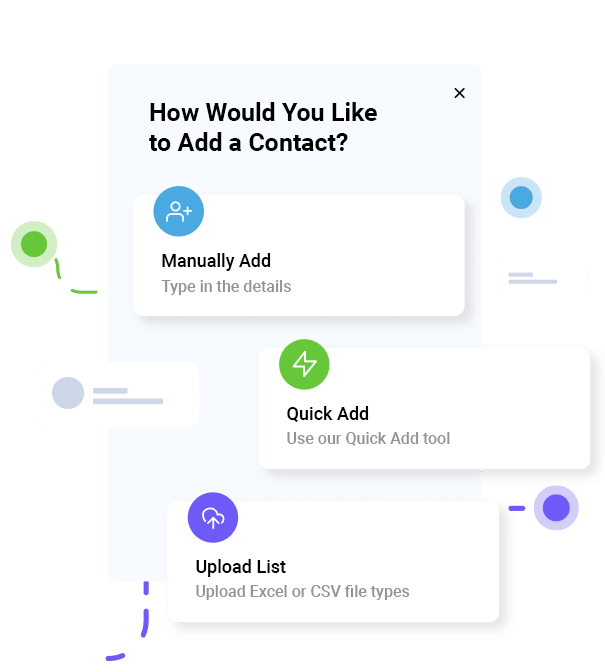
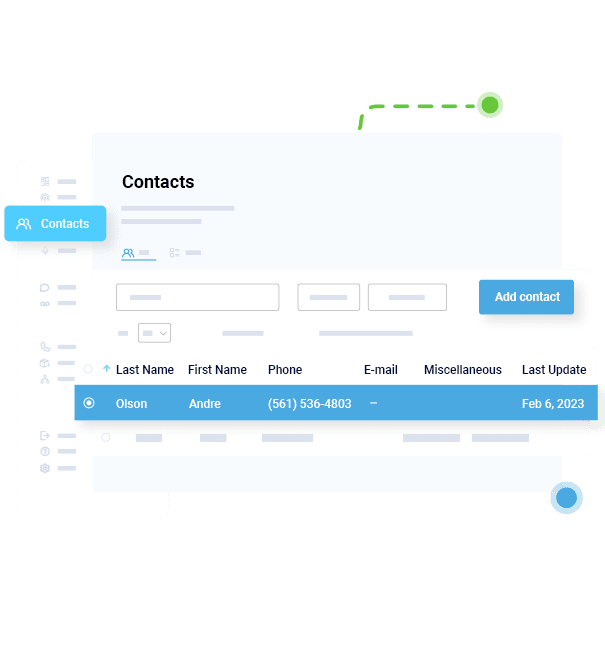
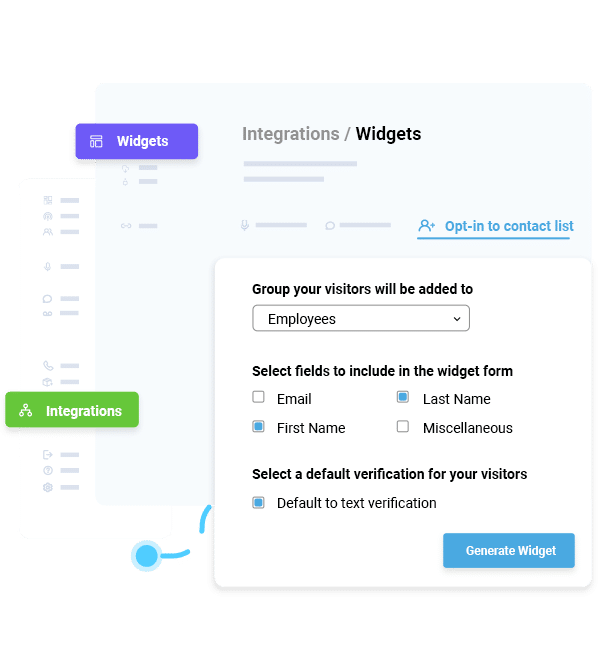
Upload Contact Lists
Your alert system is only as effective as the contact data behind it. Upload lists for:
Employees
Students or faculty
Tenants or residents
Contractors or visitors
Emergency response teams
Facility and maintenance staff
With this kind of organization, you can reach the right people without causing unnecessary panic. For example, if a fire starts in the east warehouse, only that building’s occupants, the fire warden team, and leadership might need an alert, not the whole company.
Build Fire Alert Templates
Templates save time when it matters and ensure messages are ready to send the moment at alert is triggered. Create several ready-to-use fire alerts messages for different situations like:
Immediate Evacuation Alerts
Fire detected in Warehouse B. Evacuate north exit immediately.
Area-Specific Hazard Notifications
Smoke reported on Floor 3. Avoid the central stairwell.
Fire Drill Reminders
Scheduled drill today at 2 PM. Follow standard evacuation routes.
All-Clear Messages
Fire department has cleared the building. Safe to re-enter.
Integrate With Fire Alarm Panels or IoT Sensors
For organizations with fire panels or smart detection systems, integration allows alerts to activate automatically when a sensor triggers, thus eliminating manual steps.
With automation, the moment a detector identifies smoke or heat, the corresponding alert can be dispatched to the right groups within seconds.
Conduct a Drill and Analyze Alert Performance Reports
Once your system is set up, run a controlled fire drill to confirm efficiency. Send out standard fire alerts to selected groups and confirm everyone receives messages. Also encourage two-way check in to assess the speed of message. Also, review acknowledgment and delivery reports to understand how effectively people received and acted on your messages.
Best Practices for Fire Emergency Notifications
To get the most out of your alert system, follow these guidelines:
Keep Messages Concise
People don’t have the time to read long instructions during an emergency. So keep messages short ideally under 160 characters.
Include Location + Action
The most effective alerts tell people where the issue is and what to do next. For example: “Fire in Building B. Evacuate via north stairs.”
Enable Two-Way Responses
Two-way check-ins let staff confirm they’re safe or request assistance. A simple prompt like “Reply 1 if safe” can provide real-time visibility into who still needs support.
Prepare Multilingual Templates
Not everyone reads the same language, especially in schools, workplaces, or residential communities. Having prewritten templates in multiple languages ensures everyone receives instructions they understand.
Run Quarterly Tests
Regular drills help to verify that contact lists are accurate, delivery methods are working, and teams know what to expect.
Integrate With Building Systems
Connecting alerts to fire panels or building automation systems allows notifications to trigger automatically when sensors detect smoke or heat.
How DialMyCalls Simplifies Fire Emergency Alerts
DialMyCalls gives organizations a communication infrastructure that works when speed is essential. The platform makes it simple to send alerts, reach large groups, and keep staff informed throughout an incident. It also helps with the following:
Send Alerts Across SMS, Voice, and Email in Seconds
Immediate alerts save lives. With DialMyCalls, messages go out at the same time via SMS, voice call, email, and app notifications, so every person gets the update right away.
Segment Contacts by Building, Department, or Shift
Not every fire scenario requires evacuating an entire building. DialMyCalls allows you to segment contacts by floor, wing, building, department, or shift. This means you can alert only the people affected by the immediate hazard, while keeping other areas informed but calm.
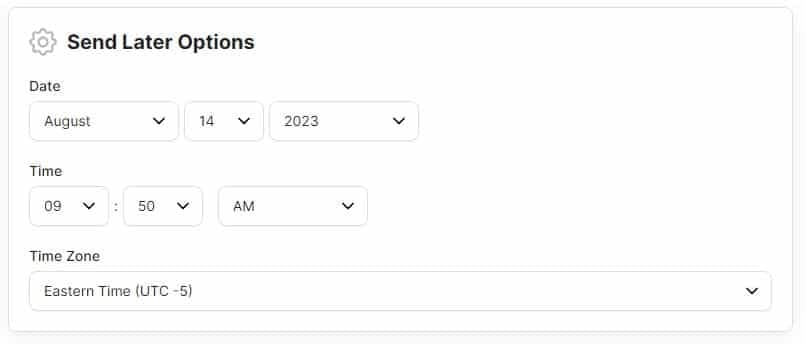
Schedule Drills and Automated Triggers
The more prepared you are, the safer everyone is. DialMyCalls helps by letting you plan fire drills in advance, sending timely reminders and evacuation instructions automatically.
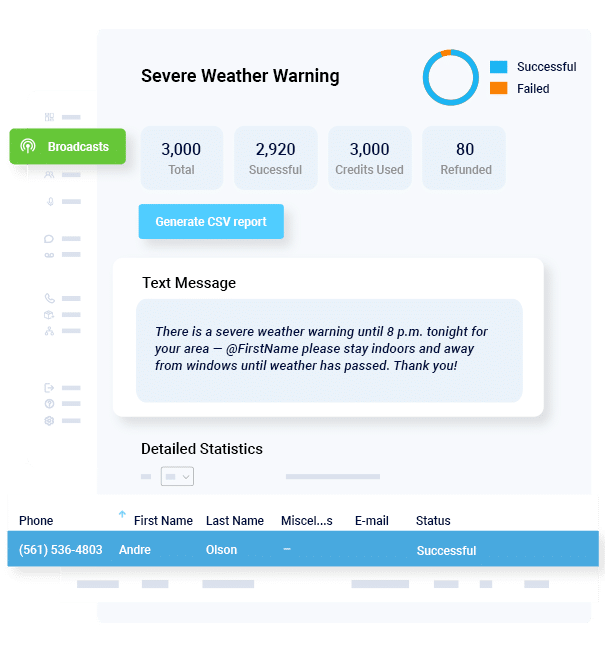
Generate Delivery and Acknowledgment Reports
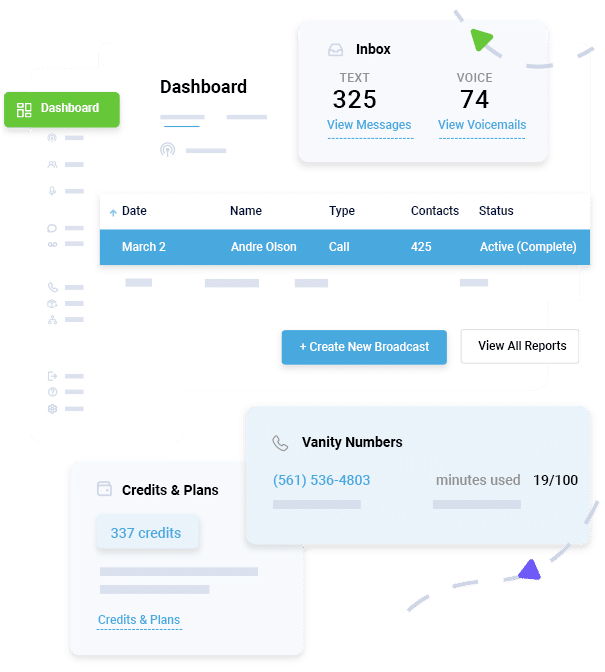
Once an alert goes out, it’s important to know who got it, who responded, and who might still need help. DialMyCalls automatically tracks delivery, confirmations, and two-way responses, giving safety teams full visibility during evacuations.
Ensure Secure, Compliant Alerting for All Organizations
Fire emergency communication also needs to meet safety and regulatory standards. DialMyCalls helps organizations stay compliant with key guidelines, including NFPA and OSHA.
Conclusion
In a fire emergency, clear communication can make a difference between an orderly evacuation and a disaster. With fire alerts, organizations can provide guidance, reduce confusion and maintain coordination during emergencies. Automated alerts also support staff coordination, track safety status and keep everyone safe with real-time updates.
DialMyCalls makes it simple to set up fire fire notifications, segment audiences and issue alerts from the moment the alarm sounds to the final all-clear, all from one platform.
Start your free trial with DialMyCalls today and set up your fire emergency alerts in minutes.
Fire Emergency Alerts FAQs
How do fire emergency alerts differ from traditional alarms?
Traditional alarms notify people that something is wrong, while alerts tell them what to do. Alerts provide details such as incident location, instructions and updates.
Can alerts be triggered automatically by fire systems?
Yes. Many organizations integrate alert systems with their fire alarm panels or IoT detectors to activate notifications instantly.
What information should a fire emergency alert include?
Information to include in a fire emergency alert are location of the fire, action required, safe exit routes, and any follow-up instructions.
How often should organizations test alert systems?
At least quarterly, alongside regular fire drills.
Is DialMyCalls compatible with existing fire infrastructure?
Yes. DialMyCalls can integrate with many fire alarm and building management systems to automate alerts when sensors activate.
Keep Everyone Connected & Informed
Get the Word Out Quickly with Bulk Texting and Voice Calls
Ryan Betancur is an Emergency Management Planner at Hagerty Consulting and a proud US Army veteran. Drawing on years of experience, he specializes in healthcare and critical infrastructure emergency management, strategic planning, and business continuity. Ryan has been on the front lines managing COVID-19 responses in New Jersey and Illinois and supporting NYC's Migrant Crisis response. He holds a master's degree in Homeland Security and Emergency Management and multiple certifications in emergency preparedness.
“I am a youth minister and have spent hours in the past calling students individually to remind them of an upcoming event or to get out an urgent announcement. With DialMyCalls.com, I cut that time down to about 1 minute. I also love how I can see exactly who answered live and how long they listened so I know if they heard the whole message. DialMyCalls.com is the best website I have stumbled upon all year! Thanks!”
Real Results, Real ReviewsOver 40,000 customers trust our platform – and it shows.
4.3
502 Reviews
4.7
836 Reviews
Author
Ryan BetancurEmergency Management Planner
Ryan Betancur is an Emergency Management Planner at Hagerty Consulting and a proud US Army veteran. Drawing on years of experience, he specializes in healthcare and critical infrastructure emergency management, strategic planning, and business continuity. Ryan has been on the front lines managing COVID-19 responses in New Jersey and Illinois and supporting NYC's Migrant Crisis response. He holds a master's degree in Homeland Security and Emergency Management and multiple certifications in emergency preparedness.
“I am a youth minister and have spent hours in the past calling students individually to remind them of an upcoming event or to get out an urgent announcement. With DialMyCalls.com, I cut that time down to about 1 minute. I also love how I can see exactly who answered live and how long they listened so I know if they heard the whole message. DialMyCalls.com is the best website I have stumbled upon all year! Thanks!”
Fill out the form below to get a fast custom pricing quote specific for your
organization.Want to speak to our sales team now? Call us at
1-800-928-2086
Thank you!
A representative will be reaching out to you soon.
For immediate help you can call us on
800-928-2086.
Try Out DialMyCalls Now?
Enter a new password and click create account and you'll be able to send 25 test messages now.
Send A Sample Broadcast
We'll send a sample call or text to your phone right now. Remember when you use DialMyCalls you can record your message in your own voice. When the phone rings just pick up and say "Hello" to hear the message.