10 Appointment Confirmation Text Templates That Build Trust Instantly
You know that feeling when someone books your service. They’ve browsed your website, weighed their options, and felt confident enough to trust you. So they click Book an Appointment and choose a time they’re looking forward to.
But then, there is silence. That gap between booking and confirmation makes them think that their appointment didn’t go through. And when they do not hear from you, they’ll likely lose that confidence they had initially, and that is not good for your brand.
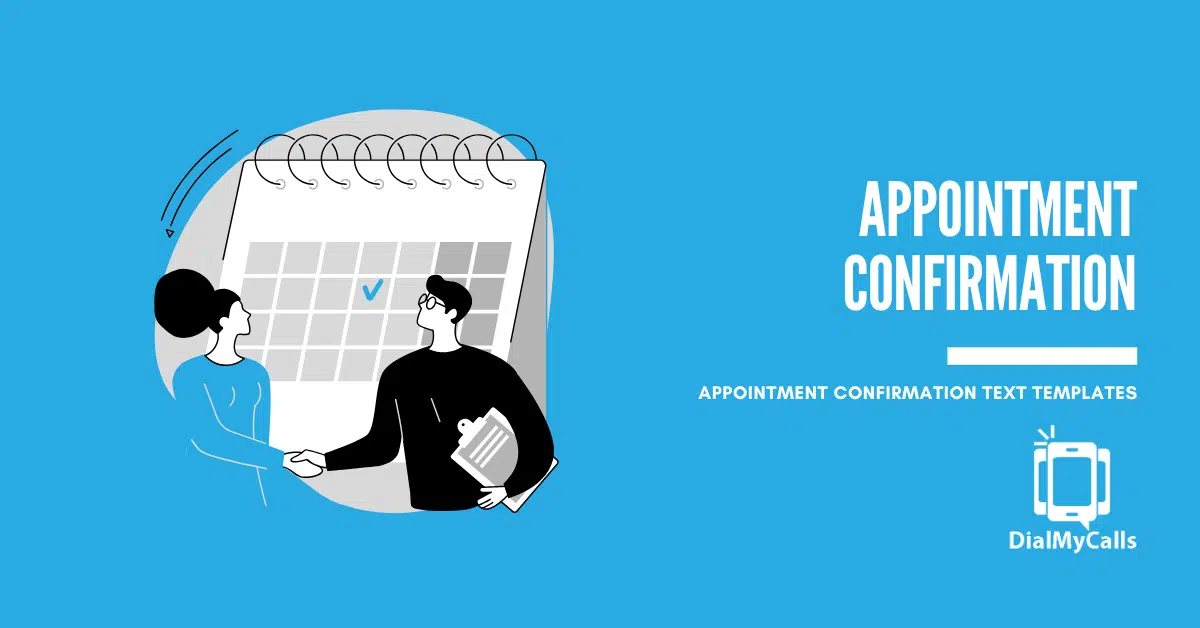
This is where appointment confirmation texts are a valuable tool for your business. These messages are typically sent within minutes of a customer booking. They let your customer know their appointment was successful and that they’re officially on your schedule.
Sending effective confirmation messages starts with the right template that delivers the message in a way your customer can understand, without confusion or doubt. Let’s explore appointment confirmation in full and why they matter. Also get access to 10 ready-to-use templates you can copy, customize, and start using for your business, whether you run a salon, medical service, or consultancy.
Reach Thousands, Instantly
Grow Your Business by Leveraging Mass Texting
Why Appointment Confirmation Texts Matter
Appointment confirmation texts do more than share details. They build trust and make the customer feel cared for from the first moment. Here are the top reasons organizations use them:
Builds Instant Trust
Customers want reassurance that their booking was successful. A confirmation text does exactly that. It tells them that their appointment has been received and locked in. When you communicate quickly, you reduce customers’ uncertainty and help them build confidence in your business.
Reduces Customer Anxiety
Booking an appointment can be stressful for some people. A confirmation text helps ease that stress by reassuring customers that their time slot is secure. It also cuts down on follow-up questions and inquiries to your support team from customers trying to double-check their booking. When you send a clear confirmation message, customers feel more relaxed and satisfied knowing everything is set.
Decreases No-Shows
It’s human to forget things such as appointments. But when people know that their appointment is confirmed and they have the details in front of them, they are far less likely to miss it. SMS messages have around a 98% open rate and can significantly lower no-show rates by keeping appointments top-of-mind.
Sets a Professional Tone
A confirmation text reflects how you do business. It says you pay attention to details and respect your customers’ time as well as your own. That professionalism strengthens your brand, sets expectations for the rest of the experience, and encourages repeat business.
10 Appointment Confirmation Text Message Templates
Below are 10 appointment confirmation text templates you can copy, customize, and send instantly.
Standard Appointment Confirmation
Service Confirmation
Short Confirmation Message
Booking Confirmation
Location Confirmation
Provider Confirmation
Telehealth Confirmation
Same-Day Confirmation
Change-Friendly Confirmation
Final Confirmation Notice
Maximize Outreach, Save Time
Start Transforming Your Communication with Mass Texting
Best Practices for Appointment Confirmation Texts
Getting the right appointment confirmation text is one thing, but sending it well is another. Small details can make a big difference in how your message is received and how effective it is. Here are simple tips to help you make sure your appointment confirmation texts are effective.
Send Immediately After Booking
The time you send a message matters. Most of your customers expect a confirmation after booking, and sending a text right away closes the communication loop. It also removes uncertainty and starts the customer on the right foot.
The most effective confirmation texts are sent right after the appointment is booked, while the interaction is still fresh in the customer’s mind. It tells that the booking was unscheduled
Immediate confirmation reduces doubt and reassures the customer that the booking was successful. Studies consistently show that text messages are read quickly, often within minutes, making SMS the fastest way to close the communication loop after scheduling. Prompt confirmations meet that expectation and ensure your message actually serves its purpose.
Include Key Details Clearly
Clear details are the backbone of an effective appointment confirmation text. Every confirmation text should answer the basic questions upfront:
- Date
- Time (include time zone if relevant)
- Location or service type (physical address or a virtual link)
- Business or provider name (so that the recipient recognizes you)
When you include the proper details in the message, you help to reduce back-and-forth and prevent mistakes. Correct details also eliminate confusion and lead to successful appointments and fewer cancellations.
For instance, including location information is especially helpful for first-time customers or in situations where multiple offices or service areas exist. Similarly, if someone books a consultation in another city or country with a different timezone, proper formatting ensures that they shop when you expect. Omitting key details often leads to unnecessary follow-up calls, which defeats the purpose of automated confirmation messages.
Keep Messages Under 160 Characters
While details are important, it is also important that confirmation texts are concise. Short messages are easier to read and quicker to understand. As a general rule, it’s best to keep texts under 160 characters. This helps ensure your message displays cleanly on all devices without being split into multiple parts.
Concise texts also show respect for your customers’ time. Messages that get straight to the point are more likely to be read and responded to. A tight character limit forces you to focus on what matters most. If you need to share extra information, you can always send it in a follow-up message or include a short URL.
Offer a Reschedule Option
Traffic delays, emergencies and other factors can lead to changes in appointment. Give your clients a simple and straightforward way to reschedule their appointments by including a reply code (like Reply RESCHEDULE) or a direct link. This option reduces stress and helps to avoid confusion. It also helps you fill seats efficiently by freeing up time slots early when changes are needed.
When customers can quickly confirm or modify appointments by text without phone calls and emails, engagement improves and no-show rates drop.
Include a Compliance Note
Compliance is not optional when sending text messages. Every confirmation text should respect opt-in requirements and clearly explain how recipients can stop receiving messages. A simple “Reply STOP to unsubscribe” line is usually sufficient and keeps your messaging compliant with SMS communication standards.
This consent process protects their privacy and keeps you compliant with local messaging regulations like TCPA in the U.S., and similar privacy frameworks worldwide.
Send Appointment Confirmations with DialMyCalls

Sending confirmation texts manually works at a small scale. But as appointment volume grows, automation becomes essential.
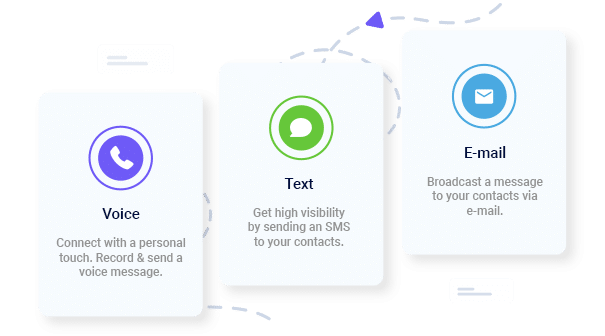
DialMyCalls helps organizations send appointment confirmation texts instantly through SMS, voice, and email. You can automate, personalize, and send messages within seconds of booking. This helps you create a system that ensures that your customers receive immediate reassurance without adding extra work for your staff.
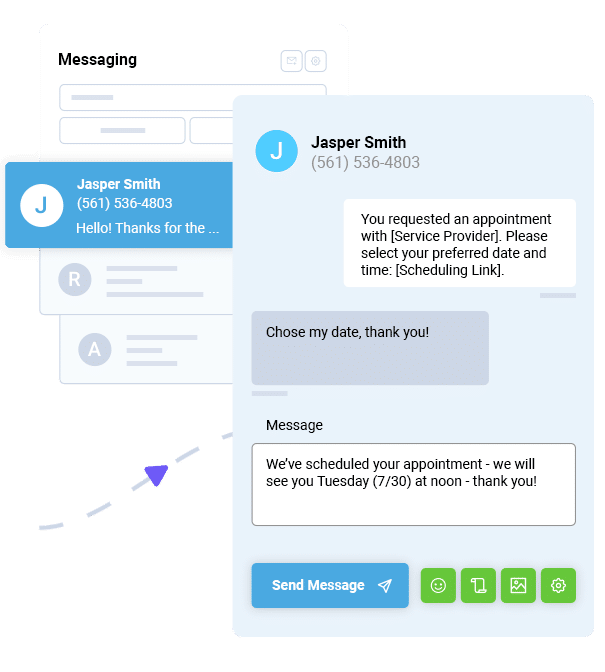
DialMyCalls also supports two-way messaging, which makes it easy for customers to confirm, reschedule, or respond without phone calls or manual follow-ups. The result of this is a clearer communication system, fewer missed appointments, and smoother daily operations.
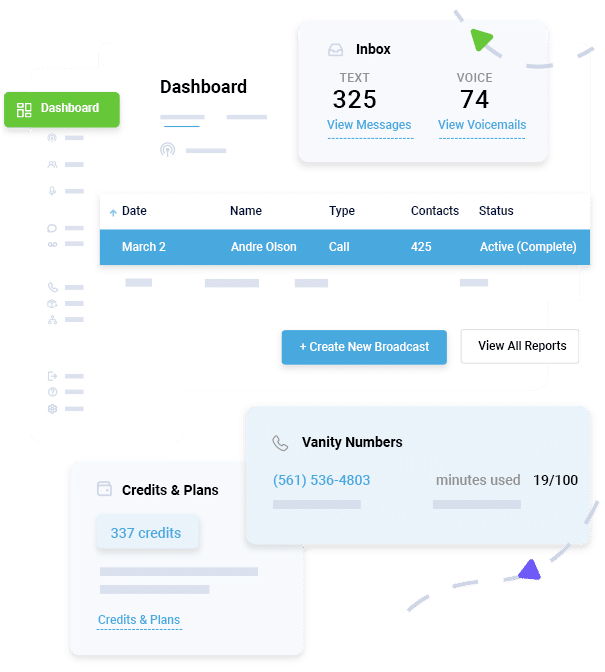
Ready to streamline your appointment communication? DialMyCalls gives you the tools to send appointment confirmations that make every customer feel seen and secure.
Appointment Reminder FAQs
What’s the difference between a confirmation text and a reminder text?
A confirmation text is sent right after the appointment is booked to confirm the details and reassure the customer. A reminder text is sent later, usually closer to the appointment date, to help the customer remember it.
When should I send an appointment confirmation text?
Ideally, confirmation texts should be sent immediately after the appointment is scheduled. Quick confirmation builds trust and reduces doubts.
What details should I include in a confirmation text?
At minimum, include the date, time, location or service type, and your business name. Optional details like reply instructions or contact information can improve clarity.
Should I ask customers to reply to confirmation texts?
Yes, when possible. Allowing simple replies like YES or RESCHEDULE helps customers interact and gives you clear responses that you can track.
How long should an appointment confirmation text be?
A confirmation text should stay under 160 characters so that it arrives as one message and is easy for customers to read at a glance.
Can I automate appointment confirmation texts?
Yes. Many organizations automate confirmation texts with platforms like DialMyCalls so they are sent instantly after booking.
Mass Texting, Made Easy
Send Bulk Text Message Campaigns in Seconds