10 Event Invitation Text Templates That Maximize Attendance
Events are meant to be attended. From tradeshows to workshops, charitable fundraisers, and networking events, these gatherings are meant to attract people. Unfortunately, that’s sometimes more than a little challenging.
According to Umbrex, attendance for events averages between 40% and 70%. However, depending on the type of event, you could see attendance rates as low as just 30%. For instance, tradeshows see between 30% and 50% attendance, which is startling given the amount of work and funding that goes into them.
While there’s no single underlying issue that causes low attendance for all types of events, one of the most common factors is the invitation type you’re using. For most organizers, email is the preferred option. That’s a problem.
Email invitations average open rates around 20%. That means 80% of your guest list may never even see your event. Thankfully, there’s a more effective option: text messages.
SMS has a 98% open rate, and most messages are opened within minutes. Response rates are often three to four times higher than email. And when you make it easy to say “yes” to an event invite with a single reply, you encourage signups and boost event attendance.
Not sure how to put SMS to work on behalf of your event? We’ve got you covered. In this guide, you’ll get:
- A breakdown of why event invitation text message templates outperform email
- 10 ready-to-use event invitation SMS templates
- Text message invite examples for multiple scenarios
- RSVP text message templates that drive action
- Event reminder text templates to keep attendance high
- Best practices to stay compliant and maximize response
- A simple way to send and track everything from one dashboard
Reach Thousands, Instantly
Grow Your Business by Leveraging Mass Texting
Why Event Invitation Texts Maximize Attendance
For most event organizers, event attendance is one of the most important metrics for measuring success. After all, if you don’t have enough attendees to offset the cost of organizing and putting on the event or to give your vendors a measurable return, chances are good that you won’t repeat it. If your goal is attendance, not just awareness, text messaging changes the equation.
Near-Instant Visibility
There’s no spam folder in SMS and no cluttered inbox chock-full of other messages. That means there’s less competing with your invite and your potential attendees’ attention.
There’s also the fact that most people are primed to check text messages. When their phone vibrates or they get a new text notification on their smartwatch, they immediately check to see what it is.
Visibility is step one. Without it, the rest of this discussion doesn’t matter.
Frictionless RSVP
Getting people to take the desired steps is a lot like herding cats. And, the more hurdles you put in their way, the less likely they are to follow through on all of them. That’s one reason that so many companies struggle with email marketing. The more clicks a recipient has to make to get where they’re going, the more likely they are to opt out entirely. Conversely, the easier it is to respond, the more people will.
You create friction when you ask someone to:
- Open an email
- Click a link
- Fill out a form
- Create an account
Now, compare that to when your RSVP text message templates say, “Reply YES to confirm”. That lets you remove nearly every barrier. A single-word reply and they’re done.
Easy to Forward and Share
A well-written text message invite is easy to forward to a colleague, spouse, or friend. If your event depends on group attendance (think corporate trainings, church events, and nonprofit fundraisers), SMS creates natural sharing behavior, which benefits both you as the organizer and the invitee’s connections.
Built-In Reminder Channel
When someone replies in the same thread, you now have a live communication channel. That means your event reminders don’t feel intrusive, but more like the continuation of a conversation.
Personal Feel Drives Higher Commitment
In contrast to emails, which can feel impersonal and generic, texts feel personal and direct. Even when you’re using event invitation SMS templates at scale, the message doesn’t feel like a sales spiel. That personal feel makes it more likely that your invitees will commit to attend and then follow through.
10 Event Invitation Text Message Templates
If you’re unsure how to kick off your SMS program, let’s look at a few event invitation text message templates, including RSVP text message templates, event reminder text templates, and other text message invite examples.
General Event Invitation
Save-the-Date Invitation
Customer Event Invite
In-Person Event Invitation
Virtual Event Invitation
Exclusive Event Invite
Reminder Event Invitation
Event Registration Prompt
Community Event Invite
Event Welcome Message
Best Practices for Event Invitation Texts
Good event invitation text message templates get opened, but great ones get answered. If you’re new to creating messages that get responses, it’s important to know what to do and what to avoid. Here’s how to improve response rates even more.
Send a Save-the-Date First
Text two to three weeks before the event with a simple save-the-date message, then follow up with full details closer to the event. Doing this creates anticipation and gives people time to block out their calendar.
Make RSVP Effortless
Your RSVP text message templates should make responding obvious and easy.
- “Reply YES to attend.”
- “Reply NO if you can’t make it.”
- “Tap here to confirm.”
Make it possible to RSVP right in the text message. Don’t send people hunting through a website and skip long forms unless they’re absolutely necessary. Remember, the more steps there are for someone to complete, the fewer people will complete them.
Include Only the Essentials
In SMS, less is more. Resist the urge to send all the event details at one time. Give your recipients the information that they need most (the details that will help them make up their mind about whether to attend or not). That should include the following:
- What
- When
- Where
- How to RSVP
Save things like agendas, speaker bios, and extended information for a landing page.
Maximize Outreach, Save Time
Start Transforming Your Communication with Mass Texting
Create a Sense of Exclusivity
If you want to really up the number of people who RSVP and then show up at your event, you have to get away from anything that feels generic. Your message needs to feel specific and exclusive. You can do that with phrasing like:
- “You’re invited.”
- “Limited seats available.”
- “Reserve your spot today.”
Exclusivity increases perceived value, and perceived value increases attendance.
Plan a Reminder Sequence
Don’t assume that because an invitee RSVPs to your event that they’ll remember when it actually rolls around. Plan your communications so that there are built-in reminders. Your event reminder text templates should follow a simple sequence:
- Initial invite
- 1-week reminder
- Day-before reminder
- Day-of reminder
Each message should be short and specific. Here’s an example reminder text message template:
Reminder: [Event Name] is tomorrow at [Time] at [Location]. We can’t wait to see you. Reply STOP to opt out.
Segment by Relationship
Not everyone on your contact list has the same relationship to your organization and sending everyone the same text message can affect your results. Tailor every message so that it reflects the relationship of that person with your organization. VIP clients should get different messaging than general contacts. First-time attendees should get different language than loyal supporters.
Segmentation does a couple of things. First, it makes your message as relevant as possible, which increases response rates. Second, it helps you distance yourself from the generic, one-size-fits-all feel that usually kills responses.
Include a Calendar Add Link
When possible, include a calendar add link so recipients can instantly block the time. If it’s feasible with the character count, include links to a couple of calendars (Google and Apple are two popular options). This helps you avoid the problem of recipients meaning to add it later and forgetting to do so.
Stay Compliant
Compliance with industry rules and government regulations is important when using event invitation SMS templates. Not sure what that looks like for your efforts? Here’s what you need to do:
- Only text contacts who have opted in
- Include opt-out language (“Reply STOP to unsubscribe”)
- When someone opts out, stop texting them immediately
- Follow TCPA guidelines
- Maintain clear records of consent
Send Event Invitations with DialMyCalls

Sending one message manually is simple. Sending thousands of messages while tracking responses, segmenting contacts, and automating reminders isn’t something you can do by hand and requires the right system.
With DialMyCalls, you can:
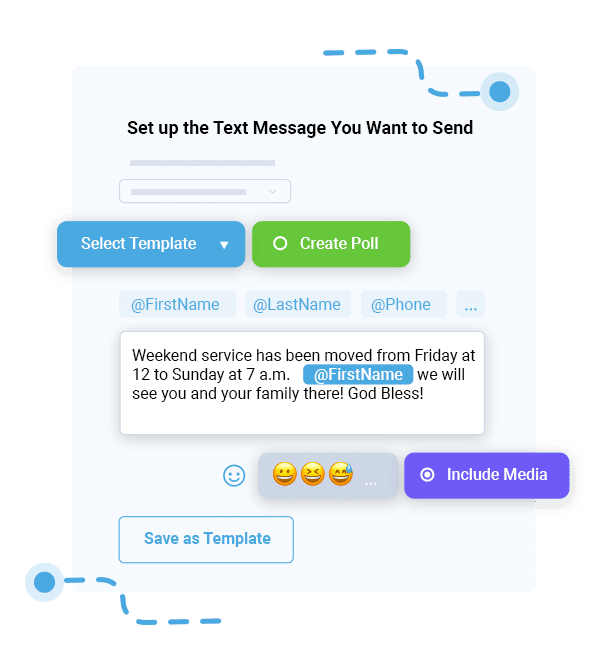
Blast invitations to thousands of contacts in seconds.
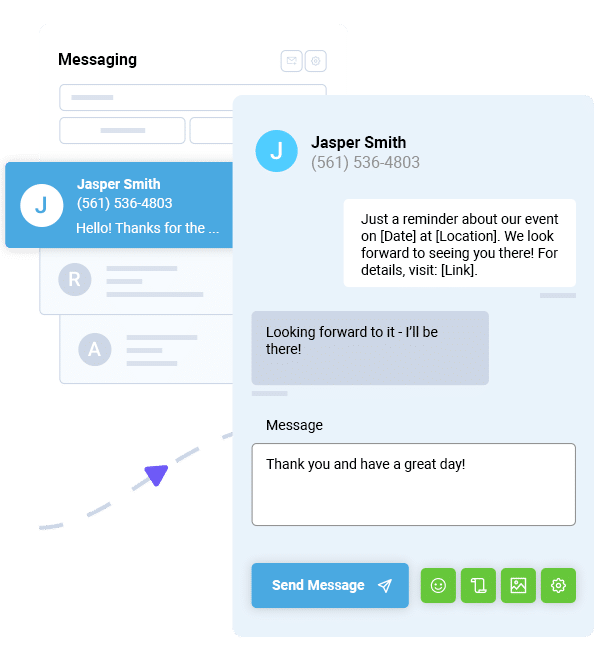
Use two-way texting to collect RSVPs automatically.
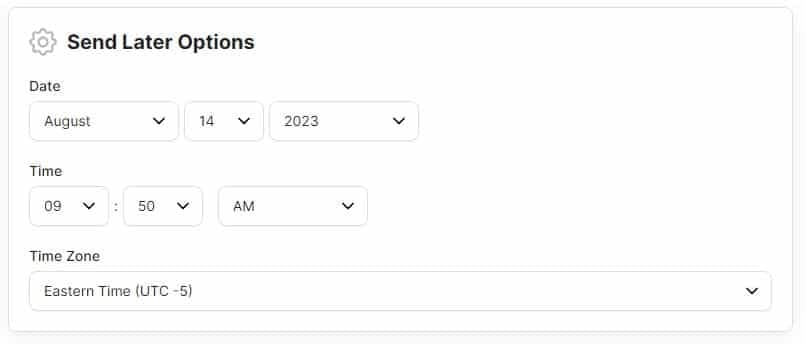
Schedule reminder sequences leading up to the event.
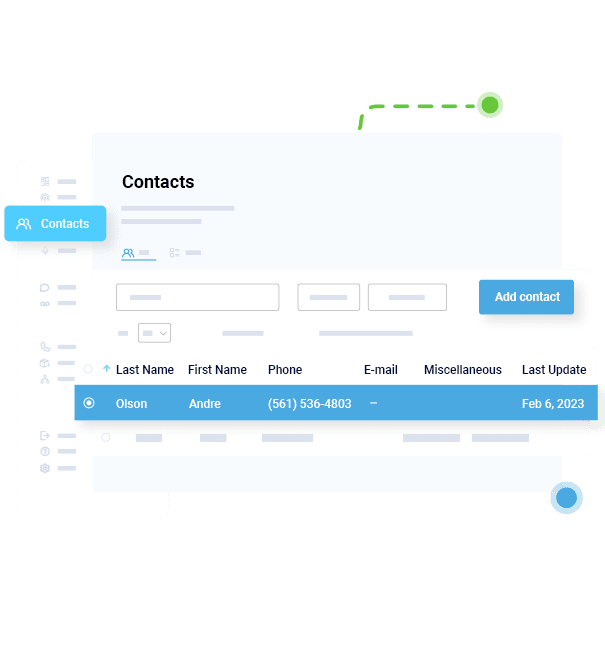
Segment contact groups (VIPs, general attendees, waitlist).
Track delivery and response rates in real time.
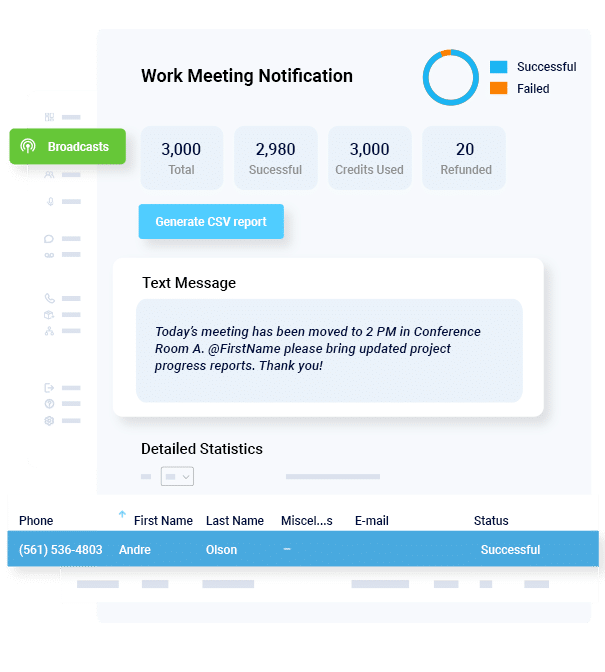
This helps you do several things. First and most obvious, you save the time and hassle involved with trying to do it all manually. Second, you know who’ll be attending since they can RSV right back within the text thread. Of course, you can also tailor messages to audience segments so you get around the problem with generic texts.
Ready to ramp up your event attendance? Start your free trial today and send your first event invite free.
Event Invitation FAQs
How far in advance should I send an event invitation text?
For most events, send a save-the-date 2 to 3 weeks in advance. Send the full invitation 7 to 14 days before the event. For large conferences or fundraisers, start even earlier.
How many reminder texts should I send before an event?
After sending your initial invitation, send a reminder a week before the event, the day before the event, and, optionally, the day of the event. Don’t over-text.
What’s the best time of day to send event invitation texts?
Late morning (10 AM to 12 PM) and early evening (4 PM to 7 PM) usually perform well. Avoid very early mornings or late-night sends. Test different times and monitor response rates.
Can I collect RSVPs through text messages?
Yes, with two-way texting, recipients can reply YES or NO, and responses are automatically tracked. This is one of the biggest advantages of RSVP text message templates compared to email.
How do I handle event cancellations or changes via text?
Send an immediate update explaining the change clearly.
Here’s an example:
Update: [Event Name] scheduled for [Date] has been postponed to [New Date]. Reply YES to confirm you can attend the new date. Reply STOP to opt out.
Should I send different invitations to different groups?
Absolutely. Segmenting your audience increases relevance and attendance. VIP guests may receive early access messaging. General attendees may receive broader invitations. Waitlisted contacts can receive notification if spots open. The more relevant the message, the more personalized it feels and the higher the response rate.
Mass Texting, Made Easy
Send Bulk Text Message Campaigns in Seconds