



Voice Broadcasting Service

Automated Calling & Bulk Voice Broadcast Software

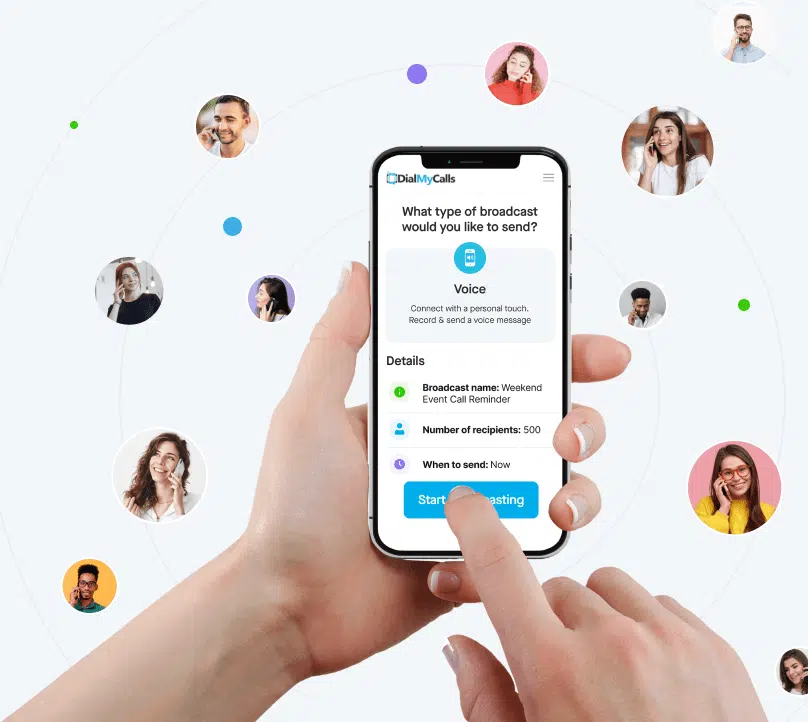
DialMyCalls is a voice broadcasting service that lets businesses and organizations send automated phone calls to all of your contacts at once. Record or upload a voice message, select your contact list, and send or schedule your voice broadcast in minutes.
4.8/5 from 1500+ reviews
across Capterra, G2, and more
Voice Broadcast System

Over 40,000+ Organizations Rely On Us To Deliver Millions Of Voice And SMS Messages!

  • Goodwill
  • Chrysler
  • YMCA
  • USA Network
  • The University Of New Mexico

What Is Voice Broadcasting?

Voice broadcasting is a communication method that sends a prerecorded or text-to-speech voice message to all of your contacts at the same time.


Instead of calling each person yourself, voice broadcasting software automatically dials every contact on your list and plays your message when they answer. If no one picks up, it can leave your message as a voicemail instead.


Organizations use voice broadcasts for emergency alerts, appointment reminders, employee notifications, school announcements, event reminders, and customer updates.


With DialMyCalls, you can send a voice broadcast right away or schedule it for a specific date and time.

What Makes Our Voice Broadcast Software Great

We make it easy for you to create, schedule and send your automated phone call to all your contacts at once. Take a look at all the voice broadcasting features our service offers:

How Does Voice Broadcasting Work?

step 1 broadcasting
Mass Calling Services

Step 1

Add your phone numbers

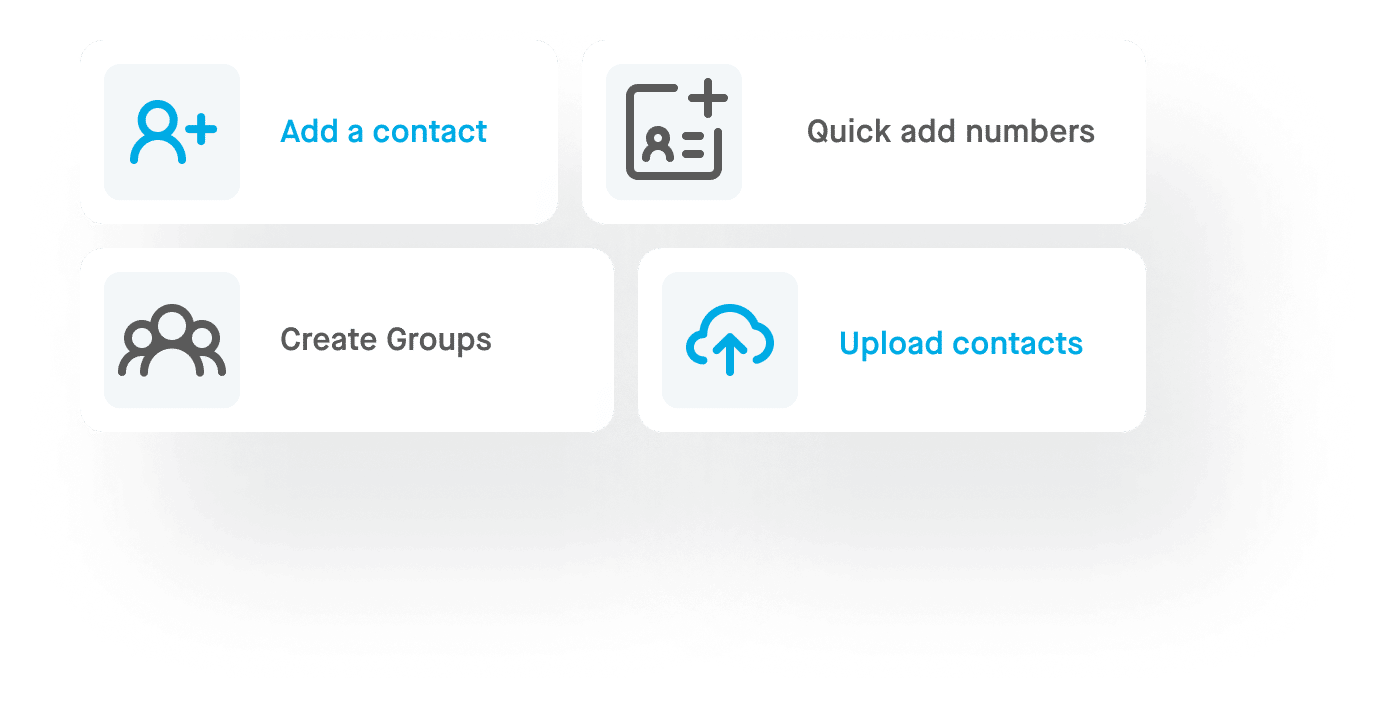
Add phone numbers to your contact list one at a time, or import your full list from a CSV or Excel file in seconds. Then organize your contacts into groups, so each voice broadcast reaches the right people.

step 2 broadcasting
VOice Broadcasting

Step 2

Record a voice message to send

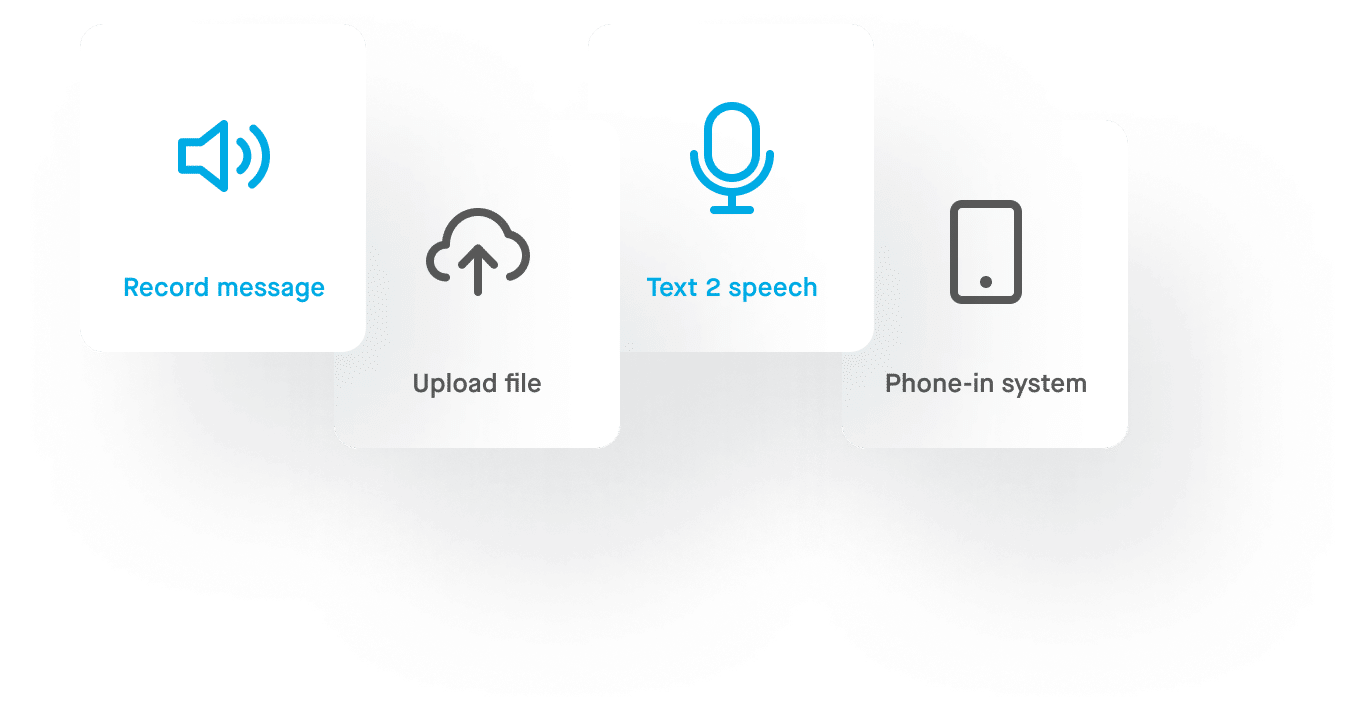
Record your voice message by calling in from any phone or using the DialMyCalls mobile app, or upload an existing WAV or MP3 file. You can also type your message and turn it into a natural-sounding recording with text-to-speech.

step 3 broadcasting
Voice Chart

Step 3

Send your call & view report

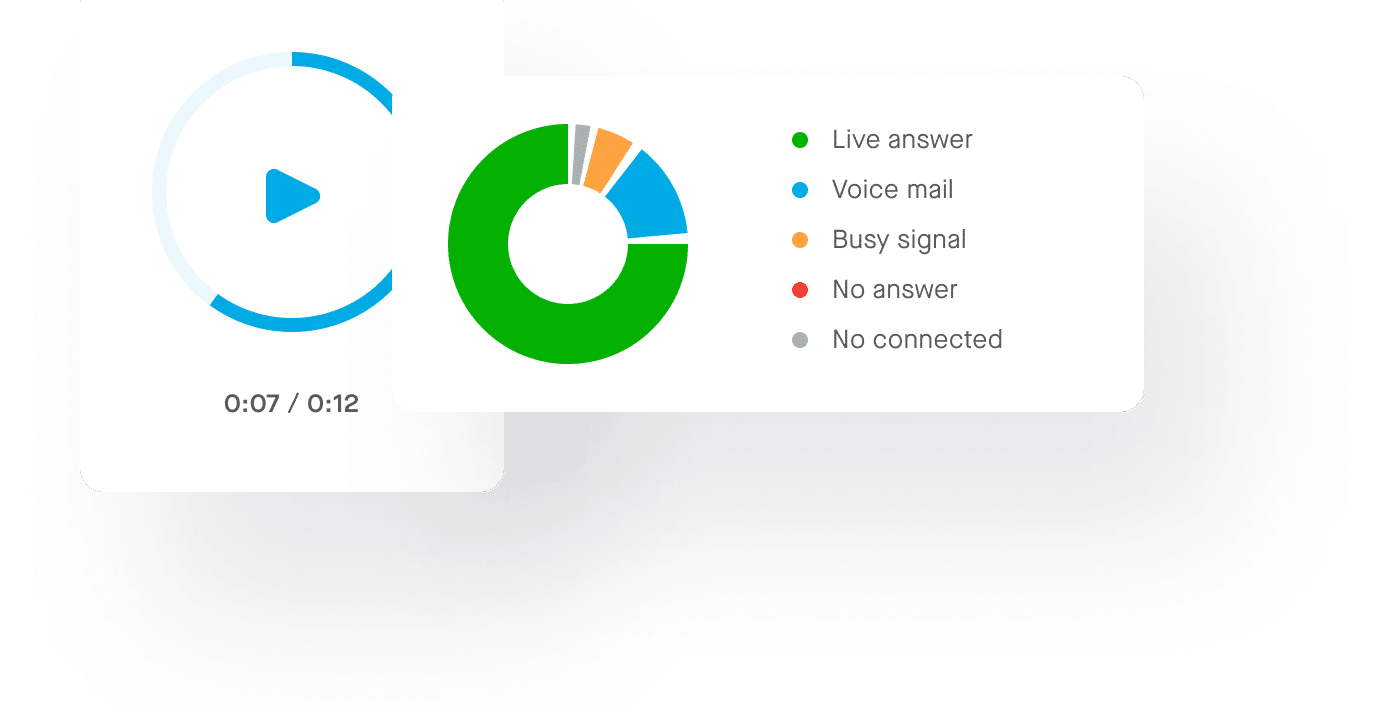
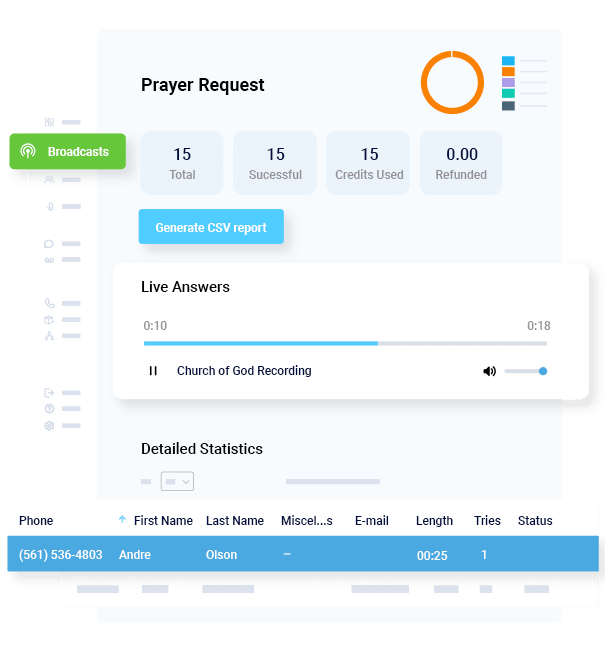
Choose the contacts or groups you want to reach, then send your voice broadcast immediately or schedule it for a specific date and time. Your call report shows the result of every call, including live answers, voicemails, busy signals, and no answers.

How Does Voice Broadcasting Work?

Here, we’ll take a look at all of these topics and more to help you understand voice broadcasts.


Try it Free

What Can Voice Broadcasting Be Used For?

Organizations of every size use voice broadcasting to reach people quickly with an automated phone call. Here are some of the most common ways businesses, schools, property managers, churches, and nonprofits use voice broadcasts.

Emergency Notifications

Emergency Notifications

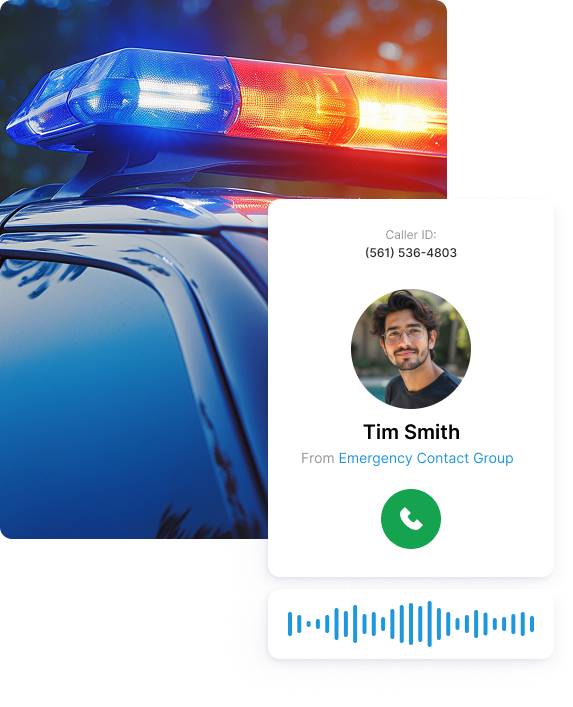
Organizations send emergency voice alerts to reach everyone at once when every minute counts.

For example, a school can announce a school closure due to severe weather, a utility company can alert customers to a service outage, a property manager can warn residents about a building emergency, and any organization can quickly share a last-minute schedule change.

Appointment Reminders

Businesses send automated reminder calls so customers and patients don't forget upcoming appointments. Medical offices, salons, and service companies like plumbers and landscapers use reminder calls to reduce no-shows and save time.

Employee Notifications

Employers send employee voice alerts to share shift changes, staff meeting reminders, office closures, and company announcements. One call reaches your whole team, whether they're at a desk or out in the field.

School Notifications

Schools send parent and student notifications for school closures, snow days, early dismissals, attendance alerts, and upcoming events. A phone call in a familiar voice helps make sure important updates reach every family.

Property Management

Property managers send resident notifications to keep tenants informed. Common examples include rent reminders, maintenance notices, emergency updates, and community announcements.

Churches & Nonprofits

Churches and nonprofits send member and volunteer notifications for service updates, event reminders, prayer requests, and volunteer opportunities, replacing time-consuming calling trees with one quick broadcast.

The Benefits of Voice Broadcasting

Sending a voice broadcast has a number of benefits.
Affordable

Affordable

Modern platforms like DialMyCalls allow for calls to be placed to all of your contacts for a low fee and without a long-term contract.

Convenient

Convenient

You can simply use an online interface to create, schedule, and make automated phone calls – without ever having to speak to anyone yourself and without being free and available in the moment your audience receives the message.

Flexible and Customizable.

Flexible and Customizable.

You can easily create different lists of people and send personalized messages to each one. You can send them at any time, and they can include any information that can be conveyed via audio.

Not Time Sensitive

Not Time Sensitive

Voice broadcasting allows you to reach customers when they pick up their phone – but can also leave a message on their voicemail, ensuring that they hear your message even if they aren’t free when you call.

Tips for Getting Started

Even if you’ve already decided that voice broadcasting could benefit you, you may be wondering where to start.

If you are planning to send a voice broadcast for the first time, though, consider these three tips:

Church Report

Why Is Voice Broadcasting Important?

It may seem that tools such as mass text messaging and email blasts make voice broadcasting obsolete. But in reality, a combination of these tools is best if we want to reach a broad audience. Voice broadcasting will always have a part to play.

What’s more, research points to many different learning styles. Some people are more prone to remember something they saw written; others are more likely to remember something they hear. These learning styles mean that different communication methods have different parts to play in conveying information to other parties, whether they’re employees or customers.

Voice broadcasting services play an important part in mass communication – sign up for a free DialMyCalls account today to try it out!

Voice Broadcasting

Create Voice Broadcast Messages Your Way

Every voice broadcast starts with a voice message. DialMyCalls gives you several ways to create yours, so the right message reaches every contact.
Prerecorded Voice Message

Prerecorded Voice Message

Record your own voice message from any phone or the DialMyCalls mobile app, or upload an existing WAV or MP3 file. Save your recordings to reuse them anytime, perfect for weekly reminders or emergency procedures.

Text-to-Speech Message

Text-to-Speech Message

No time to record? Just type your message and text-to-speech turns it into a clear voice recording in seconds. Choose a male or female voice in English or Spanish.

Live Answer Message

Live Answer Message

Choose the message that plays when a person picks up the phone. With live answer messages, you can speak directly to the listener and include options like pressing 1 to talk to your team.

Voicemail Message

Voicemail Message

When a call reaches voicemail, answering machine detection plays a separate message made for voicemail, so everyone gets your information, even if they can’t answer when you call.

How is DialMyCalls used?

Voice Broadcasting Service FAQs

What Is Voice Broadcasting?

Voice broadcasting is a way to send a prerecorded or text-to-speech voice message to many phone numbers at the same time. Instead of calling each person yourself, voice broadcasting software automatically calls your whole contact list and delivers your message.

How Does Voice Broadcasting Work?

Voice broadcasting software dials every phone number on your list at once and plays your recorded message when someone answers. If the call goes to voicemail, answering machine detection lets the system leave your message there instead. DialMyCalls can send approximately 3,000 calls per minute.

How Do I Send a Voice Broadcast?

Create a free DialMyCalls account, add your contacts or import them from a CSV or Excel file, and create your message by recording it from any phone or the mobile app, uploading a WAV or MP3 file, or using text-to-speech. Then choose your contacts and send your voice broadcast right away or schedule it for later.

Can Voice Broadcasts Be Scheduled?

Yes. You can send a voice broadcast immediately or schedule it for a specific date and time. Scheduling is useful for reminders, announcements, and messages you want to go out at the best time for your audience.

Can Voice Broadcasting Leave Voicemails?

Yes. When a call reaches an answering machine, DialMyCalls can leave your message as a voicemail. With live answer and voicemail messages, you can even play one recording when a person answers and a different one when the call goes to voicemail.

What Is Answering Machine Detection?

Answering machine detection (AMD) determines whether a call was answered by a live person or an answering machine. DialMyCalls' AccurateAMD™ makes this decision during your voice broadcast, so the right message plays for each call.

Can Recipients Respond to a Voice Broadcast?

Yes. You can let recipients press 1 to talk to a live representative, leave a message you can play back in your report, or answer questions with telephone polls. Recipients can also replay your message or opt out of future calls with a key press.

What Can Voice Broadcasting Be Used For?

Organizations use voice broadcasting for emergency alerts, appointment reminders, employee notifications, school announcements, event reminders, customer updates, and surveys.

Is Voice Broadcasting Legal?

Yes, when you follow the rules. Only call people who have given you permission to contact them, identify your organization in the message, and give recipients a way to opt out, such as push to opt-out. In the U.S., the TCPA sets consent rules for prerecorded calls, and marketing calls have stricter requirements than informational ones. See our compliance resources to learn more.

How Much Does Voice Broadcasting Cost?

The cost depends on how many calls you send and how many people you reach. DialMyCalls offers pay-as-you-go credits with no contracts, plus monthly plans for organizations that call the same contacts regularly. You can start with a free trial, no credit card required. See our pricing for details.


Try Our Voice Broadcasting Service Free

No credit card required. Cancel Anytime

What people say?

4.72 total rating based on 1200+ reviews across all platforms.
See all reviews

G2 Logo
Alicia V.

I use DialMyCalls to do a voice broadcast call one week before our meeting, which has increased our club attendance by 30%.

Capterra Logo
Chris K.

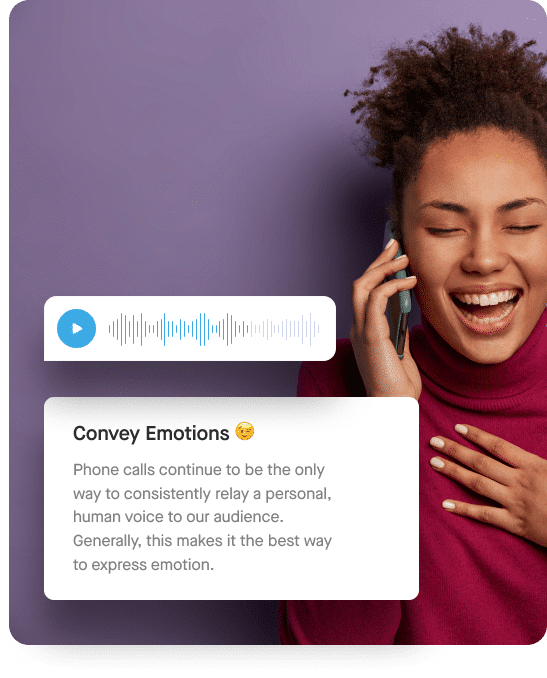
I could use a text message or email. But a phone message, in my voice, is more personal and because the call can go out immediately… The information is timely.

G2 Logo
Craig S.

Easy setup of broadcasts, contacts and groups, and text to voice option. I don’t think I’ve run across a feature I don’t like about it.

Approved by Reseller Ratings
4.3
502 Reviews
Approved by Capterra
4.9
47 Reviews
Approved by G2 Crowd
4.8
375 Reviews